

You’re probably in the middle of the same decision most research teams hit sooner or later. The study design is clear enough, the questions are drafted, and stakeholders want answers fast. Then the bottleneck shows up: how do you collect data in a way that’s reliable for analysis and tolerable for the people filling it out?
That choice matters more than often expected. Surveys and questionnaires remain the most prevalent quantitative collection method, with common methodological reviews placing them in over 70% of quantitative social science research, largely because they scale well and support structured analysis when designed properly, as noted in Kantar’s overview of quantitative collection methods. But prevalence doesn’t make every tool equal. A clunky interface can wreck completion. Weak logic can corrupt routing. Poor integrations can leave your data stranded in CSV exports and cleanup work.
The crowded part of the market doesn’t help. Some platforms are excellent for academic surveys but overbuilt for a small screener. Others look polished but get expensive once you need branding, advanced logic, or response volume. If your workflow touches growth or recruitment, the overlap with optimizing lead capture forms becomes obvious fast. Good research data collection tools don’t just gather answers. They reduce friction, preserve data quality, and fit how your team works.
Table of Contents
- 1. BuildForm
- 2. Qualtrics
- 3. SurveyMonkey
- 4. Typeform
- 5. Jotform
- 6. Formstack Forms
- 7. Alchemer formerly SurveyGizmo
- 8. Google Forms
- 9. KoBoToolbox
- 10. ODK Open Data Kit plus ODK Cloud
- Top 10 Research Data Collection Tools Comparison
- Your Next Step Start Collecting Smarter Data
1. BuildForm
A study goes live on Monday. By Wednesday, mobile respondents are dropping out halfway through, your screener is letting in weak-fit participants, and the team is already debating whether the problem is the sample or the form itself. That is the kind of situation BuildForm is built to prevent.
BuildForm fits teams that need a research instrument quickly and cannot afford a clunky respondent experience. I would put it in the general-purpose category, but with a clear strength in conversion-focused data collection. That makes it useful for marketing research, recruitment screeners, application-based studies, and lighter academic projects where completion rate matters as much as question logic.
Why BuildForm works well for modern research flows
Its advantage is practical. The platform combines conversational form design with the controls researchers rely on, including conditional logic, branching, partial submission tracking, and integrations that reduce manual handoffs. If a study depends on getting respondents through the form on mobile, that matters more than a long feature list.
BuildForm is also a good reminder that tool choice should follow use case. A field team working offline should look at KoBoToolbox or ODK. An enterprise research function with governance demands may need Qualtrics. BuildForm makes more sense when the job is to collect structured data through a form people will indeed finish.
A few trade-offs are worth stating clearly:
- Choose BuildForm when: You need fast deployment, embedded forms, adaptive paths, and a smoother respondent experience than traditional page-based surveys often deliver.
- Choose another tool when: You need advanced experimental methods, heavy administrative controls, or offline-first fieldwork.
- Check before rollout: Consent language, data handling requirements, integration limits, and whether your team needs audit features that are more common in enterprise research platforms.
Practical rule: If respondent drop-off is your first risk, prioritize completion flow before you worry about adding more question types.
How to turn BuildForm into a serious research instrument
Often, teams get the implementation wrong. They use a flexible form builder like a contact form, then expect survey-quality data. BuildForm can do better than that, but only if you apply research discipline to the setup.
Start with a short eligibility screener and exit ineligible respondents early. Then branch by cohort, customer type, geography, or any other variable that changes what people should see next. Keep scales consistent, define required fields carefully, and save open text for points where respondents have already invested enough effort to give thoughtful answers. If you need help tightening the instrument itself, these survey design best practices for cleaner response data are the right place to start.
I also recommend reviewing partial submissions during the first few days of collection. In practice, that is one of the fastest ways to spot a confusing prompt, a weak transition, or a page that asks for too much too early. Small fixes at that stage can improve data quality without reopening the whole study design.
A sound BuildForm setup usually includes:
- A front-end screener: Filter for fit before asking longer research questions.
- Progressive disclosure: Show the next relevant item instead of presenting a long static questionnaire.
- Drop-off review: Use partial response data to identify where respondents hesitate or quit.
- Automated handoff: Send qualified responses to Slack, Notion, a CRM, or your database so follow-up happens on time.
BuildForm is the right choice when the form itself has to carry part of the research load. It collects data, screens respondents, and keeps enough momentum in the experience to protect completion rates. For many academic, marketing, and operational research teams, that trade-off is more valuable than having every advanced method in one platform.
2. Qualtrics
Qualtrics is the tool I’d shortlist when governance matters as much as question design. It’s built for organizations that run many studies across teams, methods, and stakeholder groups, not just one-off surveys.
That changes the buying logic. You don’t choose Qualtrics because it’s the fastest way to get a small poll out the door. You choose it when you need asset control, advanced methods, role management, and a platform that can support everything from standard surveys to conjoint, MaxDiff, and video feedback under one roof.
Where Qualtrics earns its keep
The biggest strength is breadth without feeling amateurish. Academic groups, UX programs, and enterprise research teams often need one place for survey programming, panel workflows, data governance, and analysis support. Qualtrics is built for that kind of environment.
The downside is the same thing that makes it powerful. New users can get lost in the options, and smaller teams often pay for capability they won’t use. If your studies are straightforward and your analysis stack already lives elsewhere, a lighter tool may be easier to maintain.
Qualtrics makes sense when your research operation is becoming a program, not just a project.
Use it when you need:
- Advanced methods: Conjoint, price testing, concept testing, and deeper structured studies.
- Administrative control: Shared libraries, permissions, and centralized management.
- Enterprise alignment: Stronger governance expectations across departments.
Skip it if speed and simplicity matter more than methodological range. For a startup or a single research lead, the platform can feel like bringing an enterprise suite to a pilot study.
3. SurveyMonkey
A team has approvals in place, stakeholders want results this week, and nobody wants to spend half a day learning a new platform. SurveyMonkey is often the practical choice in that situation. It gets standard surveys live quickly, and that matters for customer feedback, internal pulse work, event follow-ups, and straightforward market research.
Its real advantage is operational simplicity. Teams across marketing, HR, education, and small research functions usually already know the interface, which cuts setup time and reduces avoidable programming mistakes. If your evaluation framework puts speed to launch and broad team adoption ahead of advanced methodology, SurveyMonkey belongs on the shortlist.
Best fit for standard research workflows
SurveyMonkey works best when the instrument is clear, conventional, and not heavily customized. Use it for satisfaction studies, concept reactions, basic segmentation surveys, employee questionnaires, and other projects where you need dependable collection more than advanced experimental design. The offline mobile app also gives it some flexibility for lighter fieldwork.
The trade-off shows up later, not at launch. Teams often start on a plan that handles the pilot, then hit limits around branding, logic depth, export needs, or response volume once the study expands. That is usually the point where SurveyMonkey stops feeling inexpensive.
I see the same implementation error repeatedly. People confuse an easy build experience with good survey design. SurveyMonkey will help you launch fast, but it will not fix weak answer choices, poor skip logic, or a bloated questionnaire. If you need to automate SurveyMonkey data into reporting or downstream systems, map that workflow before fielding the study, not after responses start coming in.
- Choose SurveyMonkey when: You need a familiar tool for standard surveys and fast deployment matters more than advanced methods.
- Watch for: Plan limits, feature gating, and projects that grow beyond simple survey logic.
- Avoid using it for: Research programs that need heavier governance, complex experimental structure, or highly customized respondent flows.
4. Typeform
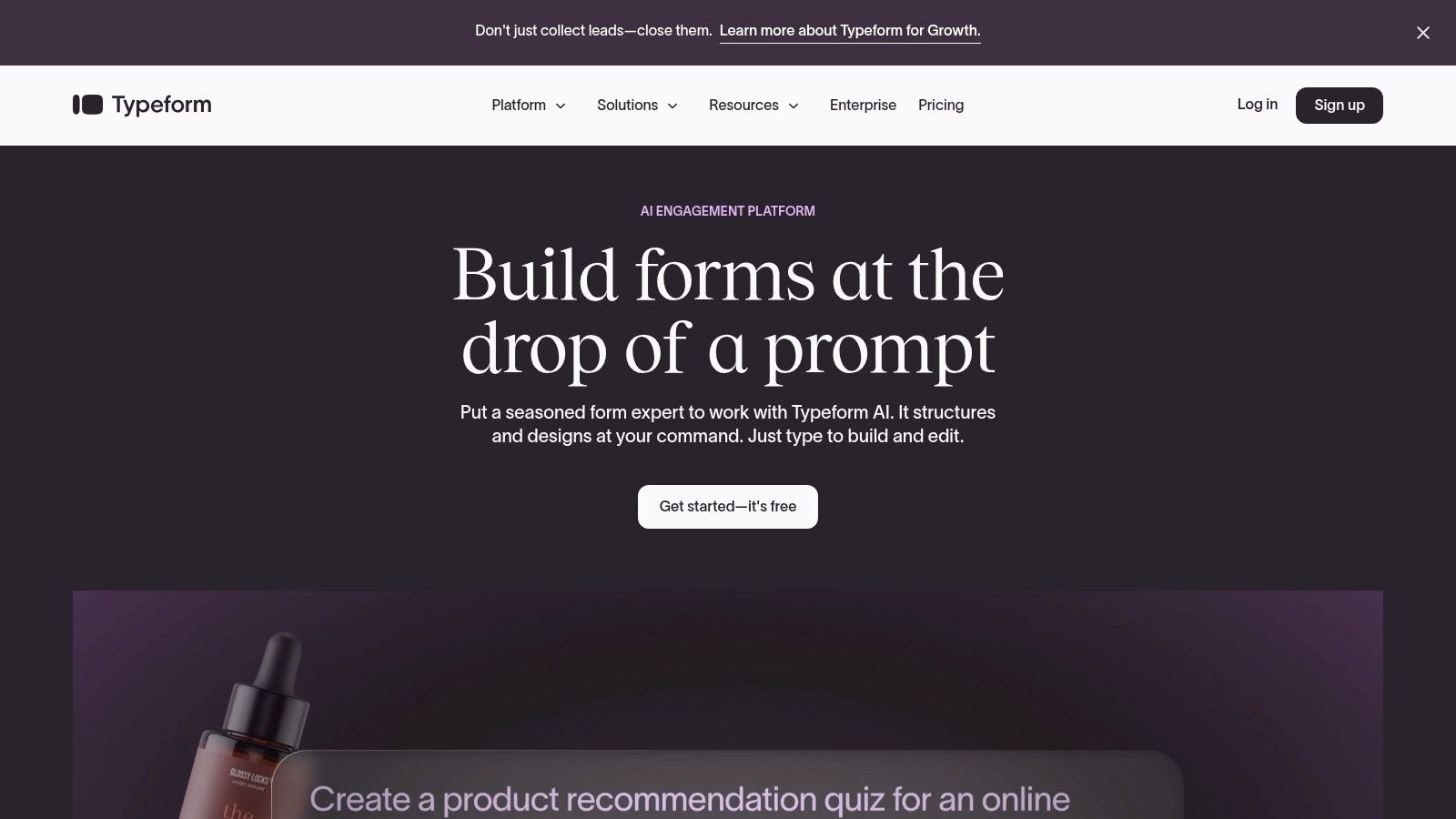
Typeform is what I’d call a respondent-experience-first tool. The one-question-at-a-time interface feels lighter than a conventional survey page, and that’s exactly why teams use it for screeners, quizzes, top-of-funnel research, and early-stage feedback collection.
That design can help with engagement, especially when the audience is cold traffic or casual respondents rather than a committed panel. If the first battle is getting people to keep moving, Typeform has an advantage.
When the experience matters as much as the data
Typeform is especially good for short flows where brand presentation matters. Hidden fields, logic jumps, and rich embeds make it easy to personalize the experience and pass metadata in from campaigns or websites. For marketing teams, that’s often enough reason to choose it.
The trade-off is that polished UX doesn’t automatically make it the best research instrument. For long instruments, matrix-style comparisons, or highly operational workflows, the one-question format can feel slower than it looks. Costs can also rise when usage grows or advanced controls become necessary.
A beautiful respondent experience helps. It doesn’t replace strong instrument design.
If you already have SurveyMonkey data in circulation and need to move it into downstream systems, tools that automate SurveyMonkey data can reduce cleanup work. That matters because teams often compare Typeform and SurveyMonkey during handoff redesigns.
- Use Typeform for: Branded screeners, short research flows, quizzes, and lead qualification.
- Be careful with: Long studies, heavy response volume, and plans with tight usage boundaries.
5. Jotform
Jotform is one of the more versatile picks in this category because it doesn’t force a narrow idea of what a form should be. It works for research, but it also works for registrations, applications, intake, document-heavy workflows, and payment collection.
That flexibility is valuable when a research team sits inside a larger organization. One group might need participant screening, another might need consent files, and an operations team might want e-signatures and PDFs in the same stack. Jotform handles that sort of overlap well.
A strong operational choice for mixed use
Its offline-capable mobile apps are a real advantage for field teams that can’t rely on perfect connectivity. File uploads, signatures, templates, and widgets also make it easier to support projects with more operational complexity than a plain survey.
The main caution is testing. Jotform can do a lot, but complex builds can become fragile if you stack too many conditions, widgets, upload steps, and handoffs into one instrument. Offline sync also deserves a real pilot before deployment in the field.
I usually recommend Jotform when the form is part of a broader workflow rather than a standalone survey. If your study involves consent, attachments, approvals, or registration logistics, it may be a better operational fit than a survey-only platform.
- Best for: Multi-purpose institutional workflows that include research collection.
- Not ideal for: Teams that want a very opinionated, research-specific environment.
- Implementation note: Test every branching path and mobile sync scenario before launch.
6. Formstack Forms
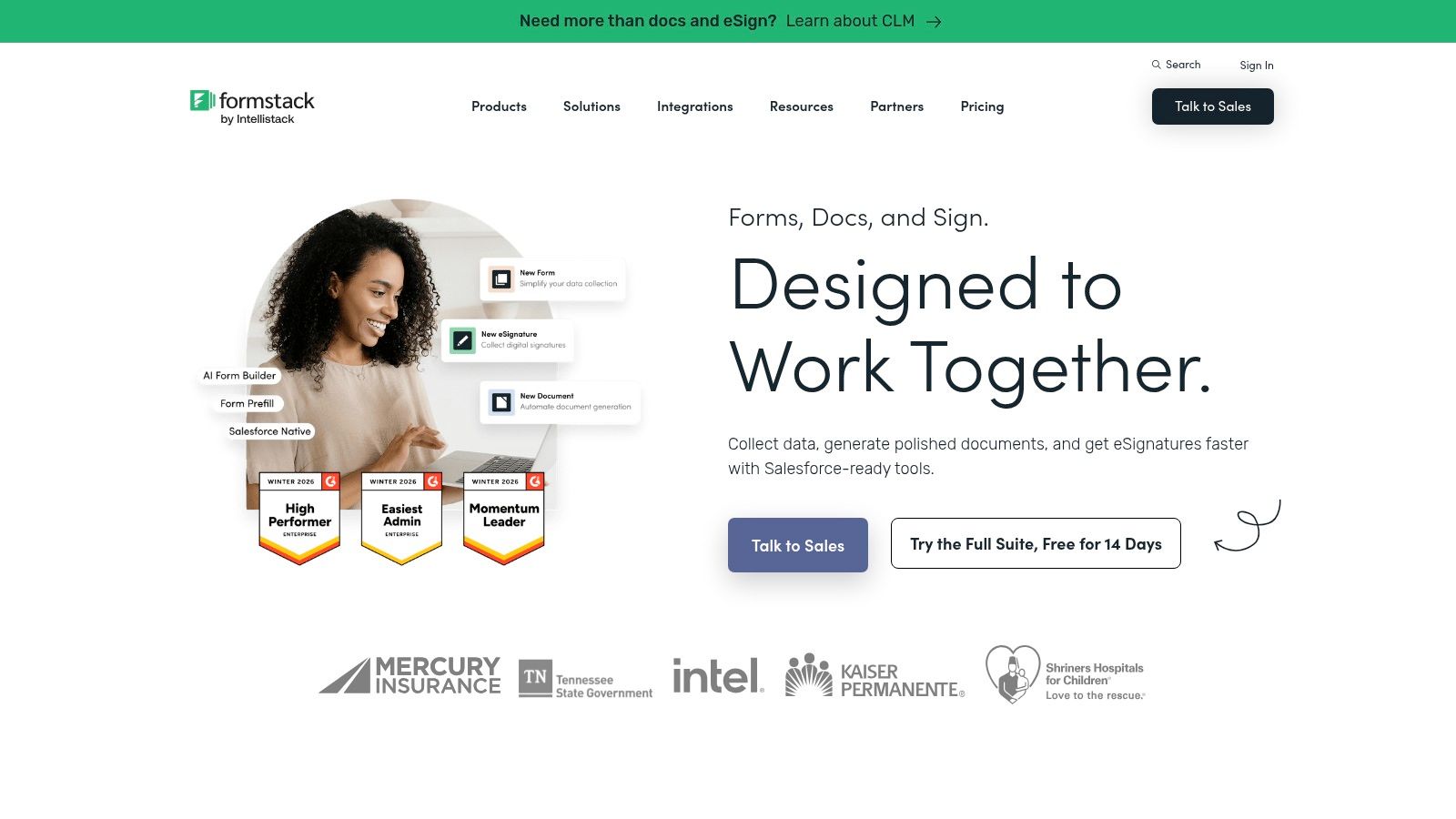
Formstack Forms is less about flashy survey UX and more about controlled process. That makes it a sensible option for healthcare, finance, operations, and any environment where the form is just the first step in a governed workflow.
You see that in the product structure. It supports approvals, workflow steps, payment fields, and integrations that help responses move into downstream systems without manual handling. If your research data collection tools need to fit formal review or documentation processes, that’s useful.
Best for process-heavy teams
Formstack is strongest when multiple people touch the same record after submission. Think regulated intake, institutional requests, internal research operations, or studies where documents and approvals matter almost as much as the actual responses.
The downside is pricing complexity. Once you start needing multiple Formstack products or advanced features, the platform can become more expensive and more modular than smaller teams want. It’s not the tool I’d choose for a simple campus survey or a startup feedback poll.
Use Formstack when the question is, “How do we route this safely and consistently after submission?” Avoid it when the question is, “How do we get the lightest possible survey live this afternoon?”
Field note: Workflow tools save time only when the workflow already exists. If your process is messy, the platform won’t fix the underlying mess.
7. Alchemer formerly SurveyGizmo
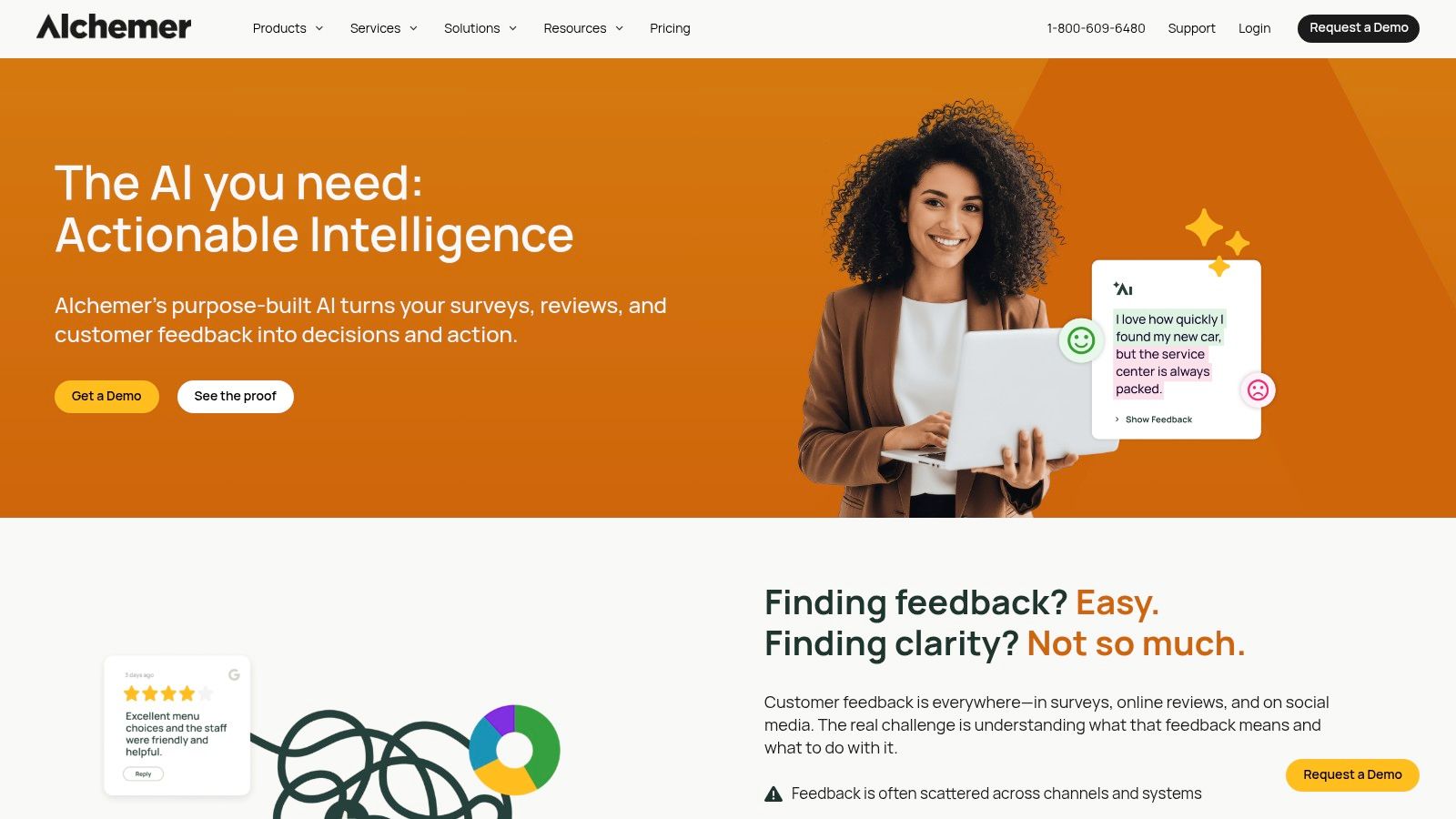
Alchemer sits in a useful middle tier. It’s more configurable than simple form tools, but it usually feels less sprawling than a full enterprise suite. For a lot of research teams, that’s the sweet spot.
Its branching, piping, branding, and team controls make it well suited to multi-team survey programs that still need speed. If you’ve outgrown basic platforms but don’t need the full weight of an enterprise ecosystem, Alchemer is often worth a close look.
A good middle ground between simplicity and control
One reason researchers like Alchemer is that it tends to support customization without forcing every project into a rigid enterprise framework. You get meaningful control over survey logic and admin settings, plus service options if your internal team needs extra implementation help.
That said, service-heavy setups can add cost quickly. The tool works best when you already know your methodology and need a configurable platform to execute it. It’s not the easiest choice for someone who wants a lightweight DIY experience with minimal configuration.
For teams running mixed-method work, the bigger issue isn’t just logic. It’s how open-ended responses will be reviewed and interpreted. If your project includes substantial narrative data, this guide on how to analyze qualitative data is worth using alongside your tool selection.
- Strong fit: Mid-market and institutional teams needing advanced survey control.
- Less ideal: Very small teams that prioritize extreme simplicity or lowest-cost entry.
8. Google Forms
Google Forms stays relevant because sometimes the right answer is the simplest one. If you need a quick classroom survey, internal pulse check, pilot questionnaire, or lightweight signup flow, it’s hard to beat the convenience.
It also benefits from living inside a stack that many teams already use. Responses land neatly in Google Sheets, collaboration is familiar, and almost nobody needs onboarding to start building.
Still useful when simplicity is the point
I wouldn’t use Google Forms for a high-stakes external study with branding, advanced analytics, or complex routing requirements. But I would absolutely use it for pretesting questions, internal research operations, or early hypothesis checks.
The practical value is speed plus low friction for the team, not sophistication for the respondent. That’s a good trade when the goal is to validate wording, trial a survey sequence, or gather lightweight internal input before committing to a larger platform.
Google Forms is often the best first draft tool and a weak final-production tool. Used that way, it saves time. Used beyond that, it starts to show its limits fast.
- Best use: Pilots, classrooms, internal teams, and low-complexity studies.
- Main limitation: Thin branding, limited advanced controls, no serious offline story.
9. KoBoToolbox
KoBoToolbox is built for a different world than most commercial form builders. It’s designed for field collection, enumerator-led studies, humanitarian work, and projects where the environment is harder than the questionnaire.
That orientation matters. The interface isn’t trying to feel sleek or conversion-optimized. It’s trying to be dependable in field conditions and compatible with analysis tools teams already use.
Built for field conditions, not polish
KoBoToolbox is a strong choice when offline Android collection, XLSForm support, and longitudinal field workflows matter more than visual polish. NGOs, academic field teams, and international research groups often prefer it because it maps better to how field studies run.
The wider market trend supports tools around this workflow. The global data collection software market was valued at USD 4.8 billion in 2025 and is projected to reach USD 12.6 billion by 2034, according to DataIntelo’s market forecast. That growth reflects how seriously organizations now take scalable capture and aggregation systems, especially in sectors that depend on distributed collection.
KoBoToolbox isn’t the tool I’d choose for a polished branded screener on a startup website. I would choose it for a field team traveling with intermittent connectivity, structured instruments, and enumerator supervision needs. Participant recruitment still matters, though, especially before field deployment. This guide on how to find research participants is useful if your instrument is ready but your sample pipeline isn’t.
KoBoToolbox works best when the environment is difficult and the team values resilience over aesthetics.
10. ODK Open Data Kit plus ODK Cloud
ODK is one of the clearest examples of a tool category with a very specific job. If your research depends on offline-first field collection, multilingual forms, media capture, GPS, barcodes, and case-based workflows, ODK is in its element.
It’s not trying to be the easiest form builder for nontechnical staff. It’s trying to be resilient in difficult collection environments. That difference should drive the decision.
The field research standard when offline matters
ODK gives teams a choice. You can self-host and keep more control, or use ODK Cloud when managed hosting and service coverage matter more than infrastructure ownership. That flexibility is valuable, but it also means you need to be honest about internal technical capacity.
The broader analysis side matters too. Statistical software like SPSS, SAS, R, Minitab, Stata, and Excel power over 90% of global academic and business analytics, according to this overview of statistical software systems in research. ODK fits well when your collection layer needs to feed into a serious downstream analysis stack rather than stay inside a form tool.
ODK is a strong recommendation for public health, NGO work, social science field studies, and any project where connectivity can’t be assumed. It’s a weaker fit for teams that want quick design polish, no-code comfort, or highly branded respondent-facing experiences.
- Use ODK when: Offline collection and field resilience are imperative.
- Avoid it when: Your main constraint is speed for a nontechnical marketing or education team.
- Plan ahead for: Hosting, permissions, sync rules, and field device management.
Top 10 Research Data Collection Tools Comparison
| Product | Key features ✨ | UX & conversion ★ | Integrations & compliance | Best for 👥 | Pricing & value 💰 |
|---|---|---|---|---|---|
| BuildForm 🏆 | Conversational AI forms, no-code logic, partial-submission tracking ✨ | Mobile-first, reduces drop-off, real-time analytics ★★★★★ | Slack/Notion/CRMs/email/payments, multi‑cloud 99.9% uptime, encrypted storage | Marketers, RevOps, Product teams, SMBs 👥 | Generous free tier, affordable paid plans, unlimited forms on higher tiers 💰★★★ |
| Qualtrics | Enterprise surveys, conjoint/MaxDiff, AI analysis ✨ | Research-grade insights, advanced analytics ★★★★ | Strong security/governance, broad enterprise integrations | Enterprise & academic researchers 👥 | Quote-based, premium enterprise pricing 💰 |
| SurveyMonkey | Multi-channel distribution, templates, offline app | Fast setup, accessible analysis ★★★ | Web/QR/SMS, offline mobile capture; plan limits apply | SMBs, quick surveys, field teams 👥 | Free + paid tiers, response/user caps on plans 💰 |
| Typeform | Conversational UI, logic jumps, branding controls ✨ | High-UX, one-question flow boosts completion ★★★★ | Marketing & CRM integrations, rich embeds | Lead gen, quizzes, screeners 👥 | Free + premium; branding/limits on paid tiers 💰 |
| Jotform | 10k+ templates, e-sign, PDF builder, HIPAA-support | Template-rich, strong mobile/offline ★★★ | 100+ integrations, HIPAA-support on eligible plans | Registrations, applications, field teams 👥 | Freemium; advanced/enterprise features cost extra 💰 |
| Formstack Forms | Workflow approvals, PCI payments, HIPAA-support ✨ | Workflow-centric, enterprise-ready ★★★ | Strong compliance, Salesforce-native option | Healthcare, finance, ops-heavy teams 👥 | Modular pricing; can add up with add-ons 💰 |
| Alchemer | Advanced logic/branching, team mgmt, pro services | Configurable, researcher-focused ★★★★ | Integrations + professional services for complex programs | Mid-market & enterprise research teams 👥 | Tiered pricing; key features on higher plans 💰 |
| Google Forms | Real-time collaboration, quiz mode, Drive storage | Extremely simple, low friction ★★ | Google Sheets integration, Drive encryption | Education, pilots, internal ops 👥 | Free / included with Workspace, high value 💰★★ |
| KoBoToolbox | Offline Android collection, XLSForm, BI integrations | Built for rugged fieldwork; functional UI ★★ | Exports to Excel/PowerBI/Tableau; nonprofit plans | NGOs, enumerators, field researchers 👥 | Cost-effective, nonprofit-friendly plans 💰 |
| ODK + ODK Cloud | Offline-first, media/GPS capture, multi-language ✨ | Powerful for field; steeper setup ★★★ | REST APIs; self-host or managed ODK Cloud with SLAs | Global health, NGOs, technical field teams 👥 | Open-source free or paid managed hosting options 💰 |
Your Next Step Start Collecting Smarter Data
The best research data collection tools aren’t the ones with the longest feature list. They’re the ones that match the reality of your study. A field team working offline, a university lab running structured surveys, and a growth team screening respondents from paid traffic do not need the same platform.
A useful way to evaluate tools is to start with the environment, not the brand. If your respondents are on phones and your biggest risk is abandonment, prioritize conversational flow, clear logic, and drop-off visibility. If your researchers work in the field, offline collection and sync reliability matter more than branding. If the study sits inside a regulated workflow, approvals, permissions, and documentation matter more than elegant UI.
The market direction makes this easier to understand. The global data collection software market is projected to grow, and data preparation tools are also expanding quickly, with Grand View Research estimating that market at USD 7.01 billion in 2024 and projecting USD 31.45 billion by 2034 in its data preparation tools market analysis. That growth reflects a simple reality. Teams don’t just need to capture responses. They need to clean, route, integrate, and analyze them without wasting time.
But tool growth doesn’t solve adoption by itself. In BI and analytics environments, average active tool usage remains at 25%, even while many organizations report increased usage, according to the market synthesis noted earlier. In practice, that means overly complex stacks still go underused. A tool your team can’t operate confidently is a bad tool, even if it looks powerful in a demo.
There’s another evaluation angle that teams often overlook: accessibility and inclusiveness. Research on underserved populations notes that engaging these groups may require “very intensive methods to recruit and then retain under served groups, e.g. provide transport, pay for travel, take research to the community,” and warns that traditional methods “may undercount or misrepresent vulnerable populations, leading to incomplete or biased datasets,” as discussed in this review of underserved population inclusion in research. If your respondents include vulnerable or hard-to-reach groups, don’t evaluate tools only on speed and automation. Evaluate them on language flexibility, device accessibility, multi-modal options, and how well they support community-centered collection.
The same caution applies to qualitative and mixed-method work. Remote research has expanded, and web-based qualitative collection is considered viable with real long-term potential, but it comes with methodological challenges that require deliberate setup, according to this review of web-based qualitative data collection. If you plan to collect narratives, reflections, or interview-style responses through forms, make sure the platform supports open-ended data gracefully and make sure your analysis workflow is ready before launch.
Start with a shortlist of two or three tools. Run a pilot. Test the full path from respondent entry to cleaned export. Review where people hesitate, what your team struggles to manage, and what breaks under real use. That small pilot will tell you more than any pricing page or product demo.
Your next dataset doesn’t need a perfect platform. It needs a tool that fits the work, respects the respondent, and gives your team clean enough data to trust. If you want a broader grounding in open-ended studies before choosing your stack, this guide on understanding qualitative research methods is a good companion read.
If you want a research form that feels easier for participants and gives your team more actionable insight during collection, BuildForm is a strong place to start. It combines conversational, adaptive forms with AI-generated questions, no-code logic, partial-submission tracking, and integrations that keep responses moving into the rest of your workflow. For researchers, educators, and growth teams alike, it’s one of the more practical ways to turn data capture into a cleaner, more responsive system.