
You already have a survey to send. The deadline is close, stakeholders want answers this week, and nobody wants another round of edits on question wording. A survey questionnaire template saves time, but the template alone does not fix the problems that kill response rates: bloated question sets, weak routing, clumsy mobile layouts, and no visibility into where people quit.
Good teams treat templates as starting material, not finished work.
That distinction matters. A usable template gives you structure, common question patterns, and a faster path to launch. The better workflow is to take that draft, cut anything that does not support a decision, tighten the wording, and then configure the form so each respondent sees only what applies to them. If you want a practical checklist for that process, start with these survey design best practices before you publish.
This guide takes a more practical angle than the usual roundup of template libraries. The useful question is not just where to find survey questionnaire templates. It is how to turn any template into a high-conversion survey with conditional logic, mobile optimization, and drop-off analytics. Tools like BuildForm make that implementation work easier because you can adapt one template for different respondent paths, test the mobile experience before launch, and spot the exact step where completion starts to fall.
That is also where the trade-offs between tools start to show. Some platforms are fast and simple but give you limited control over routing or analysis. Others can handle advanced logic and segmentation, but they take more setup time and more discipline from the team building the survey.
Table of Contents
- 1. Buildform – AI powered forms
- 2. SurveyMonkey
- 3. Typeform
- 4. Google Forms
- 5. Microsoft Forms
- 6. Qualtrics
- 7. Jotform
- 8. QuestionPro
- 9. Alchemer formerly SurveyGizmo
- 10. SurveySparrow
- Top 10 Survey Template Tools Comparison
- Final Thoughts
1. Buildform – AI powered forms
A team grabs a survey template on Monday, launches it on Tuesday, and by Friday they are staring at a weak completion rate with no clear reason why people quit. That pattern is common because the template was never the hard part. The hard part is turning a generic questionnaire into a survey that routes people correctly, works on mobile, and gives you enough visibility to improve the next version.
BuildForm fits that job well. It helps teams start with an AI-generated draft, then convert that draft into an adaptive survey with conditional logic, mobile-friendly flows, and drop-off tracking. That matters if you run onboarding surveys, lead qualification, customer feedback, event registration, or research projects where response quality and completion rate both affect the outcome.
Why BuildForm stands out
The main advantage is operational, not cosmetic. A lot of template tools give you a starting document. BuildForm gives you the controls to turn that document into a working system.
I use a simple rule here:
Start with the template. Keep only the questions needed for routing, segmentation, or a decision someone will actually make.
Three parts of the product matter most once you get past setup:
- AI-generated drafts: Useful for getting a first version on the page quickly. You still need to review wording, remove vague questions, and tighten any industry-specific language.
- Conditional logic: Templates become practical through this feature. You can send customers and prospects down different paths, hide irrelevant follow-ups, and screen respondents in or out without building separate forms.
- Drop-off analytics and partial submissions: Instead of guessing why a form underperforms, you can see where people stop, what devices they use, and which step needs to be rewritten or split.
BuildForm also covers the rollout details teams usually deal with late in the process: embeds, CRM and Slack integrations, payment collection, encrypted storage, branded domains, and custom thank-you pages that keep the experience consistent and smooth.
How to turn a template into a high-conversion survey
The workflow is straightforward.
Start by importing or rebuilding the template you want to use. Then cut it down hard. Long surveys fail for predictable reasons. People hit irrelevant questions, lose context on mobile, or decide the time cost is not worth it. In practice, shorter surveys with clear branching usually outperform longer one-size-fits-all versions.
Next, place your screeners early. If you need to separate customers from non-customers, qualified leads from unqualified leads, or one persona from another, do it in the first few steps. That keeps respondents in the right path and protects data quality. If you need help tightening the question set, this list of customer feedback question examples that actually produce usable answers is a good reference point.
Then build the survey for phones first, not desktop first. That means shorter answer blocks, fewer matrix questions, limited open text, and one clear task per screen. BuildForm is especially useful here because progressive questioning and logic-based routing reduce the feeling of being trapped in a long form.
After launch, use the analytics before declaring success. If respondents drop at a demographic block, shorten it or move part of it later. If they abandon at an open-text prompt, make the response optional or rewrite it to be more specific. Treat the template as version one. The gains usually come from the second and third iteration.
Pros
- Adaptive survey flows: Better than static templates when different respondent groups need different questions.
- No-code logic builder: Complex branching is manageable without engineering support.
- Clear optimization signals: Drop-off tracking and partial submissions make iteration faster.
- Fast implementation: Embeds, branding, integrations, and domains are easy to set up.
- Good fit for conversion-focused teams: Useful when surveys support lead capture, onboarding, or research operations.
Cons
- AI output needs review: The draft saves time, but specialized surveys still need editing.
- Advanced needs may affect plan choice: Branding, integrations, or support requirements can push teams toward higher tiers.
Website: BuildForm
2. SurveyMonkey
A common team mistake is grabbing the first decent-looking survey questionnaire template, adding ten more questions, and calling it ready. SurveyMonkey is better used as a standard starting point. It gives teams a fast way to get from blank page to workable draft, especially when several departments need surveys that look and behave consistently.
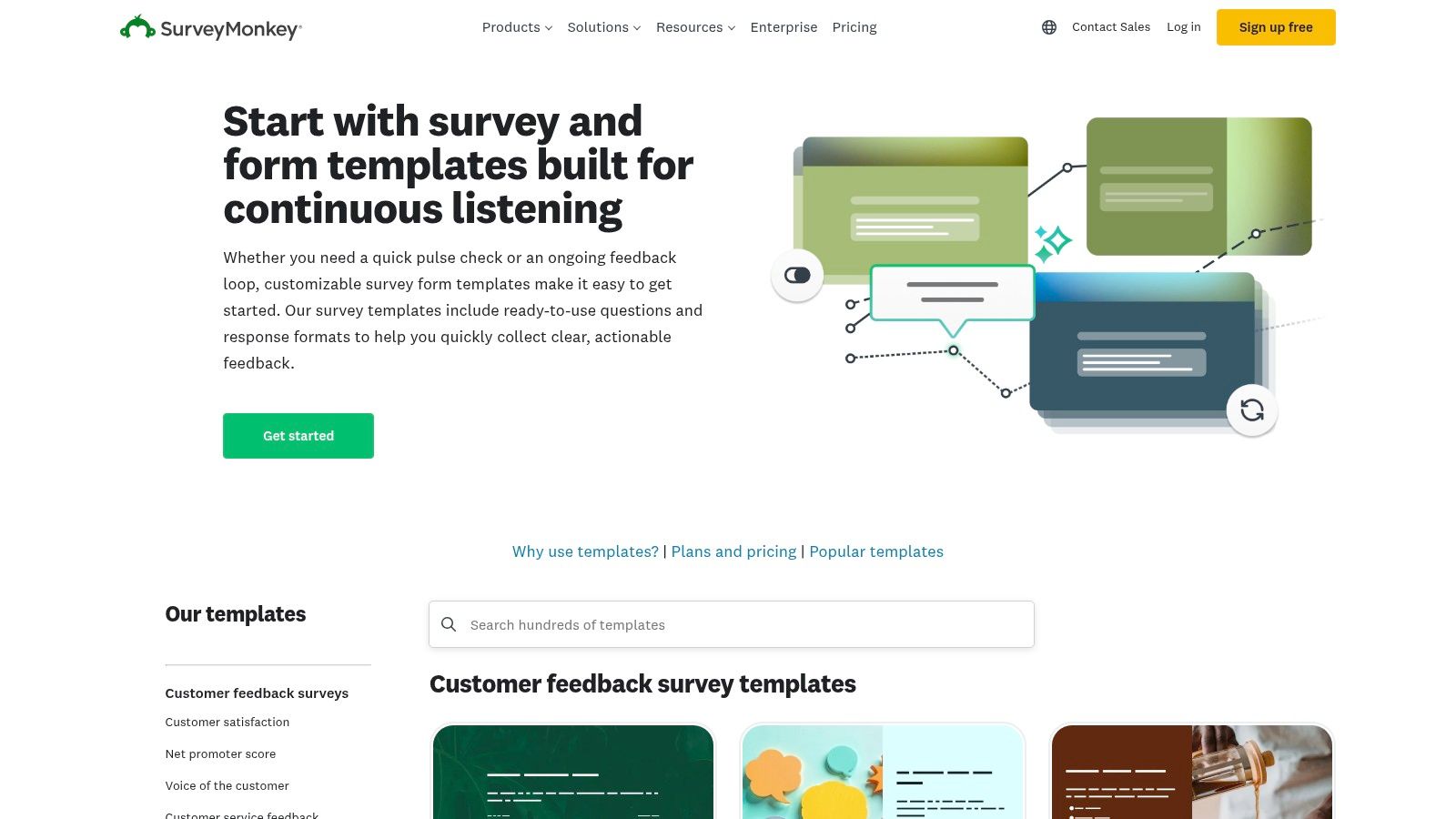
Its template library is broad. Customer satisfaction, employee engagement, market research, education, event feedback, and internal operations are all covered. That breadth is the main reason SurveyMonkey stays on shortlists. Teams can start with an established structure instead of rebuilding common survey flows every quarter.
Where SurveyMonkey works well
SurveyMonkey fits best when the priority is repeatability. If marketing, HR, support, and research all need approved templates, shared question banks, and reporting that stakeholders already understand, it does that job well.
It is also a practical middle ground. You get more control than a basic form builder, but you do not need the overhead of an enterprise research platform just to launch segmented surveys.
Three cases where it usually performs well:
- Standardized survey programs: Good for organizations that want approved templates across multiple teams.
- Recurring feedback collection: Useful for CSAT, employee pulse checks, training follow-ups, and post-event surveys.
- Moderate logic needs: Branching, skip logic, and segmentation are available without turning setup into a research ops project.
If you are refining the actual wording, not just the template structure, BuildForm's examples of feedback question formats that actually produce usable answers are a useful companion resource before you finalize your SurveyMonkey draft.
How to turn a SurveyMonkey template into a stronger survey
The template is only the first pass. The essential work starts after you pick one.
First, cut questions that do not support a decision. SurveyMonkey makes it easy to keep adding blocks because the library is large. That usually hurts completion rate. If a question will not change what the team does next, remove it.
Next, map logic before editing the template heavily. SurveyMonkey can handle branching, but the survey flow gets messy fast when teams bolt logic on after the questionnaire is already long. I usually sketch respondent paths first: new customer, power user, detractor, employee manager, and so on. Then I trim each path to the minimum set of questions.
Last, test the survey on a phone. SurveyMonkey templates are often structurally sound, but some still need cleanup for mobile completion. Long grids, repeated rating scales, and back-to-back open text fields can create friction. If your goal is a higher-conversion survey experience with tighter routing, mobile-first flow checks, and better drop-off diagnostics, this is the point where teams often move the template into a tool built for that level of optimization.
What to watch before you launch
The trade-off is straightforward. SurveyMonkey is strong at breadth, familiarity, and organizational standardization. It is less flexible when the survey itself needs to feel highly personalized for each respondent.
Pricing and feature packaging also matter. Teams often choose a template, build around it, and then find that collaboration controls, exports, advanced logic, or other workflow features depend on plan level. Check that before stakeholders sign off on the survey design.
Website: SurveyMonkey templates
3. Typeform
A team spends a week refining a customer survey, sends it out, and then watches completion drop halfway through on mobile. The questions were fine. The experience was not. Typeform is usually on the shortlist when the survey itself needs to feel polished enough that respondents keep going.
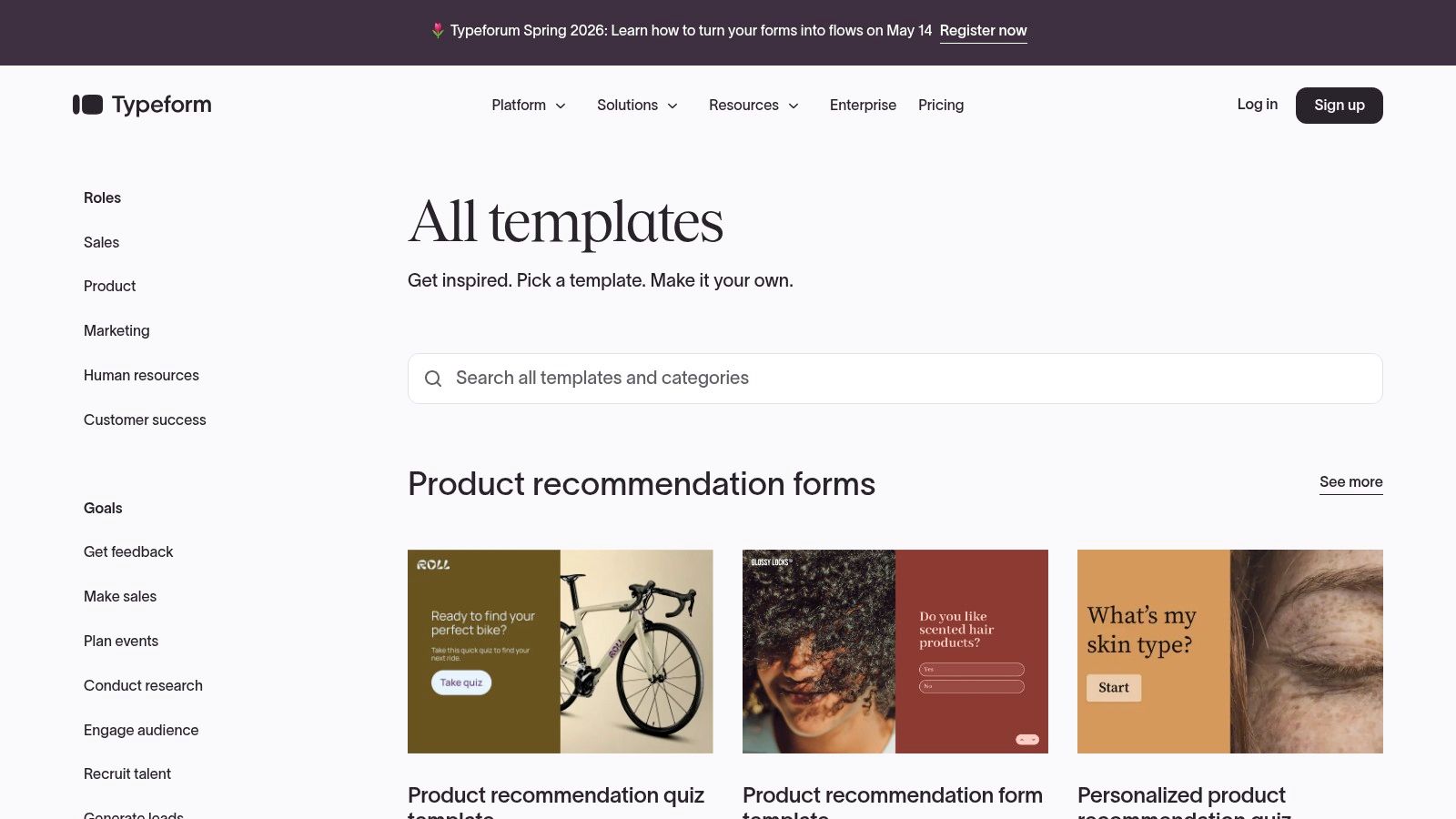
Its templates are built around presentation first. One question per screen reduces visual load, gives forms a cleaner rhythm, and works well for customer feedback, lead qualification, event intake, and short research studies where brand perception matters. That design choice is the reason many marketing and CX teams start here instead of with a more traditional survey tool.
The practical upside is straightforward. Typeform helps teams ship a questionnaire that feels lighter than it is. That can improve completion for the right use case, especially when respondents are coming from email or social on a phone.
The trade-off shows up after the template is chosen. A good-looking template is not the same as a high-conversion survey. Teams still need to cut low-value questions, tighten copy, and decide where conditional logic should shorten the path. If the goal is to turn a Typeform-style template into a more intelligent survey flow, BuildForm is often the better execution layer because it gives teams more direct control over branching, mobile optimization, and drop-off analytics during implementation, not just at the design stage.
How to get more out of a Typeform template
Start with the template as a draft, not a finished instrument. I usually keep the opening strong, move demographic or administrative questions later, and remove any screen that does not change a follow-up action, segment, or report.
Then review the flow screen by screen. Typeform's format makes weak sequencing more obvious. If respondents hit three similar rating questions in a row or face an open text field too early, completion can fall fast. This matters even more for registration and event workflows. Teams that need to build Google Forms event registration templates often run into the same issue. The template gets them started, but conversion improves only after they simplify the path.
A few good fits for Typeform:
- Brand-sensitive surveys: customer experience, NPS follow-up, partnership intake
- Lead qualification: short forms where tone and visual polish affect response rate
- Lightweight research: concept checks, post-event feedback, simple segmentation
Where teams hit limits
Typeform is less comfortable when survey operations get dense. Complex research programs, heavy permissioning, advanced sampling, and detailed governance usually push teams toward a more research-focused platform.
Pricing can also shape the decision earlier than expected. Templates are easy to start with, but logic depth, analytics, response limits, and collaboration controls may depend on plan level. Check that before the survey structure gets approved.
I use Typeform when the respondent experience is part of the product or brand experience. I use something else when the survey needs tighter operational control than presentation alone can provide.
Website: Typeform templates
4. Google Forms
Google Forms wins on speed. If someone on your team says, “We need a survey out today,” this is often the fastest respectable answer. The template gallery covers the basics, sharing is frictionless, and responses flow into Sheets without setup drama.
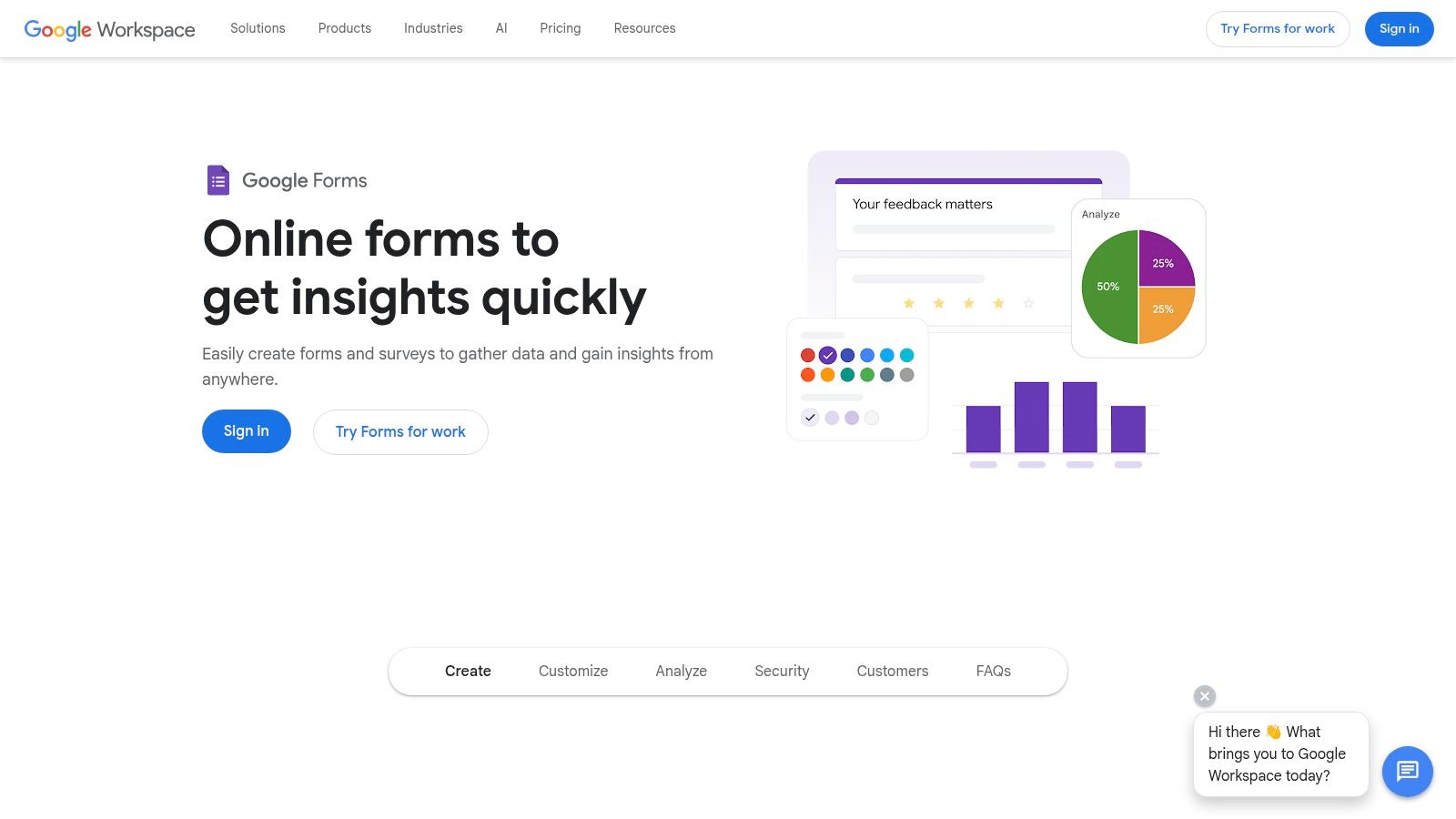
That simplicity makes it attractive for internal questionnaires, event feedback, classroom surveys, quick market checks, and operational forms that don't justify a paid stack. It's not glamorous. It is useful.
Best use cases
Google Forms is strong when the survey itself isn't the product experience. Internal teams use it because almost everyone already knows how it works, and the barrier to launch is close to zero.
It's a practical fit for:
- Internal feedback loops: employee pulse checks, meeting feedback, intake forms.
- Education and training: course evaluations, signups, simple assessments.
- Fast external forms: lightweight surveys where branding and advanced logic aren't priorities.
If your use case leans event-heavy, this guide on how teams build Google Forms event registration templates shows the kind of quick deployment pattern Google Forms handles well.
Where it runs out of road
Google Forms starts to struggle when you need advanced logic, refined respondent journeys, stronger branding, or deep optimization. The form works. It just doesn't offer much help if drop-off starts creeping up or if different respondent types need clearer branching.
Use Google Forms when the cost of delay matters more than the cost of a plain experience.
That's not a criticism. It's the actual trade-off. For simple surveys, it's often all you need. For higher-stakes research or conversion-sensitive flows, many organizations outgrow it.
Website: Google Forms
5. Microsoft Forms
Microsoft Forms plays a similar role to Google Forms, but inside Microsoft-first organizations. If your company lives in Outlook, Excel, Teams, and OneDrive, it's the low-friction option that gets adopted without a procurement debate.
That ecosystem fit matters. The tool is rarely the most advanced in the stack, but it's often the easiest one to get approved and used. For many internal questionnaires, that's enough.
Why it works inside Microsoft shops
Microsoft Forms is best when ease of access beats customization. Teams can create surveys and quizzes quickly, route response data into Excel, and collaborate within the same environment they already use. Public templates through Microsoft Create help non-specialists get moving without a blank page.
It's a comfortable option for:
- Internal operations: HR check-ins, training evaluations, meeting feedback.
- Education and admin use cases: quizzes, registration, simple surveys.
- Organizations with strict platform standards: fewer exceptions means less friction.
Its practical limits
The weakness is depth. Microsoft Forms isn't where I'd send a research team that needs rich logic, advanced question design, or nuanced respondent journeys. It's competent, not ambitious.
The most common mistake is expecting it to scale elegantly from an internal utility tool to a full survey program. It can support a lot of basic work, but if you need stronger branding, more advanced routing, or more specialized analytics, you'll feel the ceiling quickly.
Website: Microsoft Forms
6. Qualtrics
A team launches a customer study across five regions, three departments, and two compliance reviews. At that point, a basic survey template stops being enough. Qualtrics fits programs that need control over question libraries, approval workflows, sampling rules, and reporting standards from the start.
That is the trade-off. Qualtrics gives research and CX teams far more structure than lighter builders, but it also asks for more setup discipline. If there's no owner managing templates, permissions, and survey logic, the platform can feel heavier than the job requires.
Where Qualtrics earns its keep
Qualtrics is a strong choice for organizations running repeatable research, not just one-off questionnaires. Teams can standardize approved question blocks, manage quotas, build more complex branching, and keep multiple stakeholders working from the same system.
It makes sense for:
- Enterprise research programs: shared libraries, governance, and repeatable methods
- CX and EX teams: recurring studies that need consistency across waves
- Regulated or high-stakes environments: tighter control over survey design and distribution
- Departments with dedicated research ownership: someone can maintain standards instead of every team improvising
This is also where implementation matters more than the template itself. A good Qualtrics template can still underperform if the mobile flow is clunky or the logic sends respondents through unnecessary steps. Teams comparing enterprise survey design with more conversion-focused execution can use BuildForm's no-code form builder approach as a useful reference point, especially for conditional paths, mobile optimization, and drop-off analysis.
Where teams get stuck
Qualtrics has a real learning curve. The builder is powerful, but power comes with more decisions about survey architecture, governance, and reporting. For a small team trying to get feedback live this week, that overhead can slow things down.
I usually see two failure modes. The first is underusing the platform and paying for depth the team never operationalizes. The second is overbuilding surveys with too many branches, quotas, and internal requirements, which makes the respondent experience worse even if the research design looks better on paper.
Qualtrics works best when the survey program itself is mature. If you need rigor, standardization, and auditability, it's a serious option. If your priority is turning a template into a fast, high-conversion survey with minimal friction, it may be more system than you need.
Website: Qualtrics
7. Jotform
A common Jotform workflow looks like this: a team needs a customer feedback survey by Friday, grabs a template, swaps in a logo, adds a few questions, and ships it. That speed is the primary value. Jotform gives teams a large starting library and a builder that can support far more than surveys, so it often becomes the default tool for forms across operations, marketing, and support.
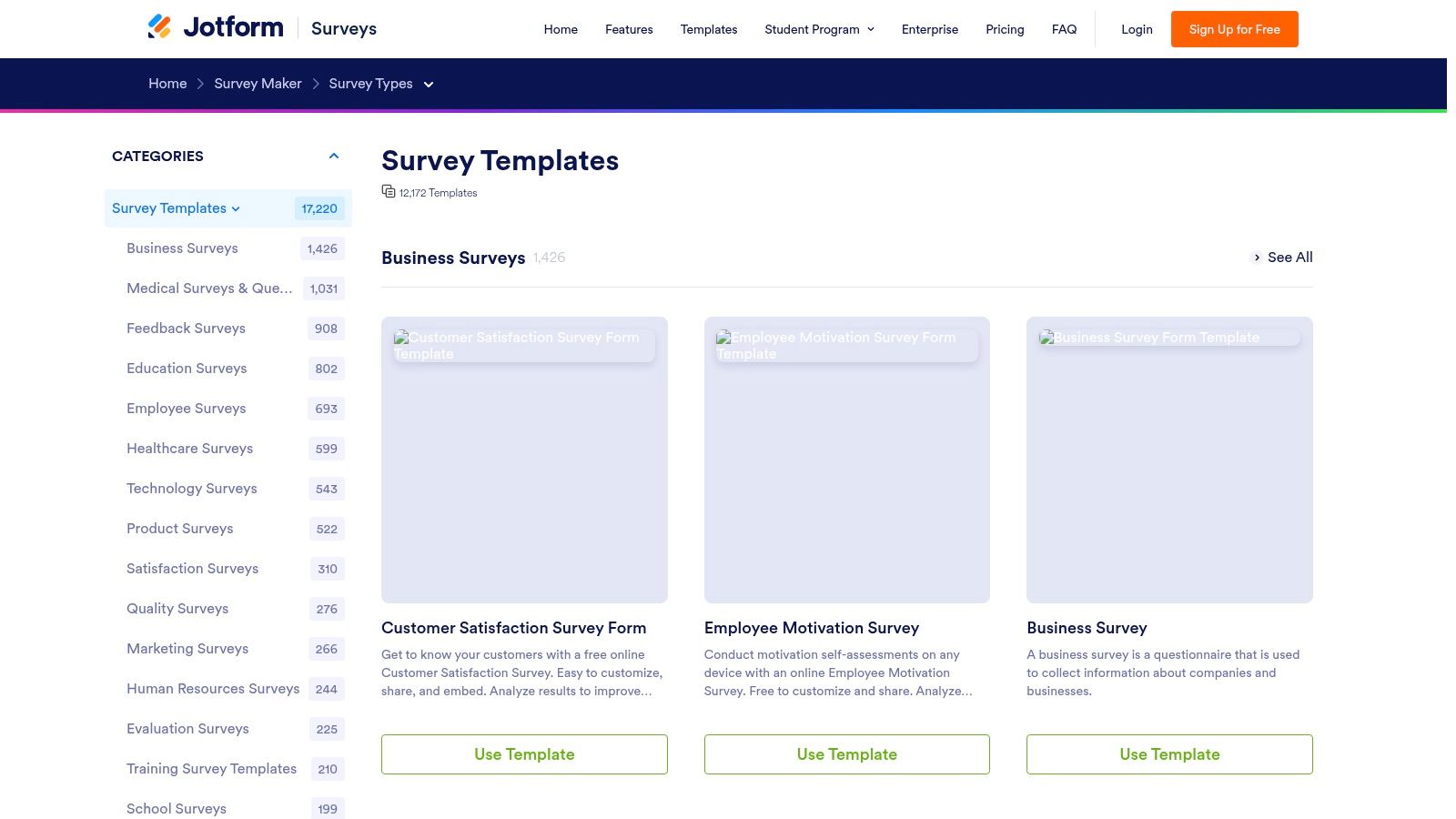
That flexibility is useful, but it creates a trade-off. A template gets you to launch fast. It does not guarantee a good respondent experience. I've seen plenty of Jotform surveys that were fully functional and still underperformed because they carried over too many default fields, asked every user the same questions, or felt crowded on mobile.
Where Jotform earns its place
Jotform is a practical choice for teams that want one system for many jobs, not just research. It handles survey collection well, and it also covers registrations, approvals, payments, PDFs, and signatures. If one team owns several workflows, that range can reduce tool sprawl.
It tends to fit best in a few cases:
- Generalist teams: one builder can handle feedback forms, intake flows, applications, and event registration.
- Fast-turnaround projects: the template catalog cuts down setup time when the deadline matters more than custom research design.
- Operations-heavy use cases: built-in workflow features make it easier to connect a survey to what happens next.
For teams using Jotform templates as a starting point, the better move is to treat the template as draft one. A more conversion-focused setup usually means trimming unnecessary fields, adding conditional paths, checking the mobile experience, and reviewing abandonment data after launch. That is the same discipline behind BuildForm's no-code form builder workflow for higher-conversion forms.
Where teams lose response rate
Jotform's broad feature set can make the builder feel busy. That matters because survey quality often drops in the editing phase, not the template-selection phase. Teams keep extra questions because the template included them. They add sections for internal stakeholders. They publish a form that works for the business and feels long to the person taking it.
The gap is usually execution. Jotform gives teams a lot of components to work with, but it does not force the kind of discipline that improves completion rates. If the goal is an intelligent survey rather than a generic one, the implementation plan matters more than the template source: map the decision points, hide irrelevant questions with logic, test the mobile flow, then monitor where respondents drop.
Website: Jotform survey templates
8. QuestionPro
A common point in a survey program is when a simple template stops being enough. The team still needs something people will complete, but now it also needs cleaner sampling, better question control, and reporting that can support an actual decision. QuestionPro fits that stage well.
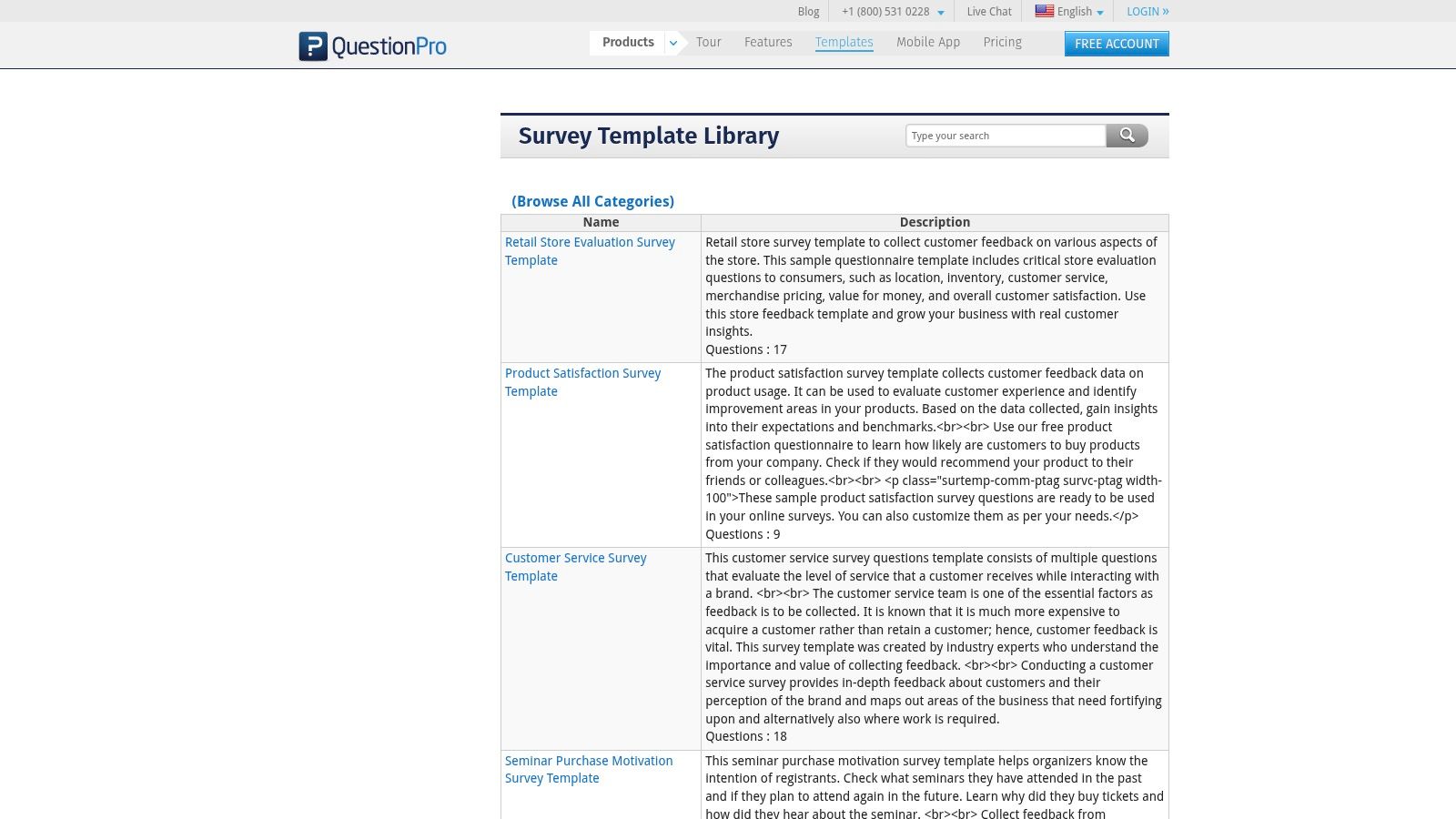
Its template library covers customer experience, employee feedback, and market research, so it works for teams running more than one survey type. Its value is not just the number of templates. It is that QuestionPro gives teams enough research-oriented features to adapt a template into a working program instead of treating it as a one-off form.
That matters in practice. A good template gets you to draft one. The next steps drive response quality: cut generic questions, group items by decision point, add logic so respondents only see relevant paths, and test the mobile flow before launch. If a team wants a higher-conversion survey experience, that implementation discipline matters as much as the template source. BuildForm pushes this further with conditional logic, mobile optimization, and drop-off analytics built around completion rate rather than just form creation.
Where it earns its place
QuestionPro is a strong option for teams that have outgrown basic feedback tools and need more research control without buying into the heaviest enterprise stack. It handles recurring programs well, especially when surveys need tighter structure and broader distribution.
A few strengths stand out:
- Research-focused setup: better suited to structured programs like NPS, CSAT, and ongoing feedback tracking.
- Broad template library: useful when product, HR, support, and research teams all need different starting points.
- More question flexibility: helpful when standard multiple-choice formats are too limiting.
I usually shortlist QuestionPro for teams that need more discipline in survey design, not just more templates. It gives researchers and product teams room to standardize how they ask, route, and report on questions across multiple use cases.
The trade-off
QuestionPro is more functional than polished. Respondent experience is serviceable, but teams that prioritize a highly conversational front end may prefer a tool designed more explicitly around form UX.
Cost can also shape the decision. Some of the better research and reporting features sit behind paid plans, so the template library alone should not be the reason to choose it. The better test is simple: if the survey needs to support real research workflows and not just collect quick feedback, QuestionPro is worth a look.
Website: QuestionPro template library
9. Alchemer formerly SurveyGizmo
A common breakpoint shows up after a team has already proved surveys matter. The basic tool starts to feel loose, different teams ask the same thing in different ways, and every recurring project requires too much rebuilding. Alchemer fits that stage well.
It is strongest when the job is not just collecting answers, but standardizing how surveys are built, routed, and reused across a team. Custom templates provide key value here. A research lead or operations owner can set the logic, naming conventions, approval flow, and required questions once, then hand that structure to other teams without starting from scratch every time.
Where Alchemer earns its keep
Alchemer works well for teams that treat surveys like an operating process, not a one-off task.
- Reusable internal templates: good for onboarding surveys, support follow-ups, compliance checks, and recurring CX programs.
- Advanced branching: useful when different respondents should see different paths based on role, product, region, or previous answers.
- Governance: helpful for teams that need tighter control over wording, answer formats, and reporting consistency.
That makes it practical for larger organizations with multiple contributors. One team can define the survey standard. Other teams can use it without breaking the structure.
From a practitioner standpoint, this is also where a template becomes either useful or expensive busywork. A template only saves time if it preserves good survey habits. In BuildForm, I usually handle that by turning a strong draft into a mobile-optimized version with conditional logic and then watching drop-off analytics to see where respondents stall. Alchemer solves a similar problem from a different angle. It gives teams more control over the system behind the survey, even if the front-end experience feels less modern.
The catch
Alchemer asks for more setup discipline than lighter tools. If a team mainly wants a polished questionnaire template and a fast launch, it can feel heavier than necessary. The interface makes more sense for people managing programs, permissions, and repeatable workflows than for someone publishing a quick survey before lunch.
That trade-off is real. More control usually means more configuration, more training, and more decisions about standards. Teams that need those controls will see the payoff. Teams that do not, usually will not.
Website: Alchemer
10. SurveySparrow
A common scenario: the team already has a decent survey template, but response quality drops because the experience feels stiff on mobile and overly formal on repeat sends. SurveySparrow addresses that problem with a conversational format that can make customer and employee feedback feel lighter without turning the survey into fluff.
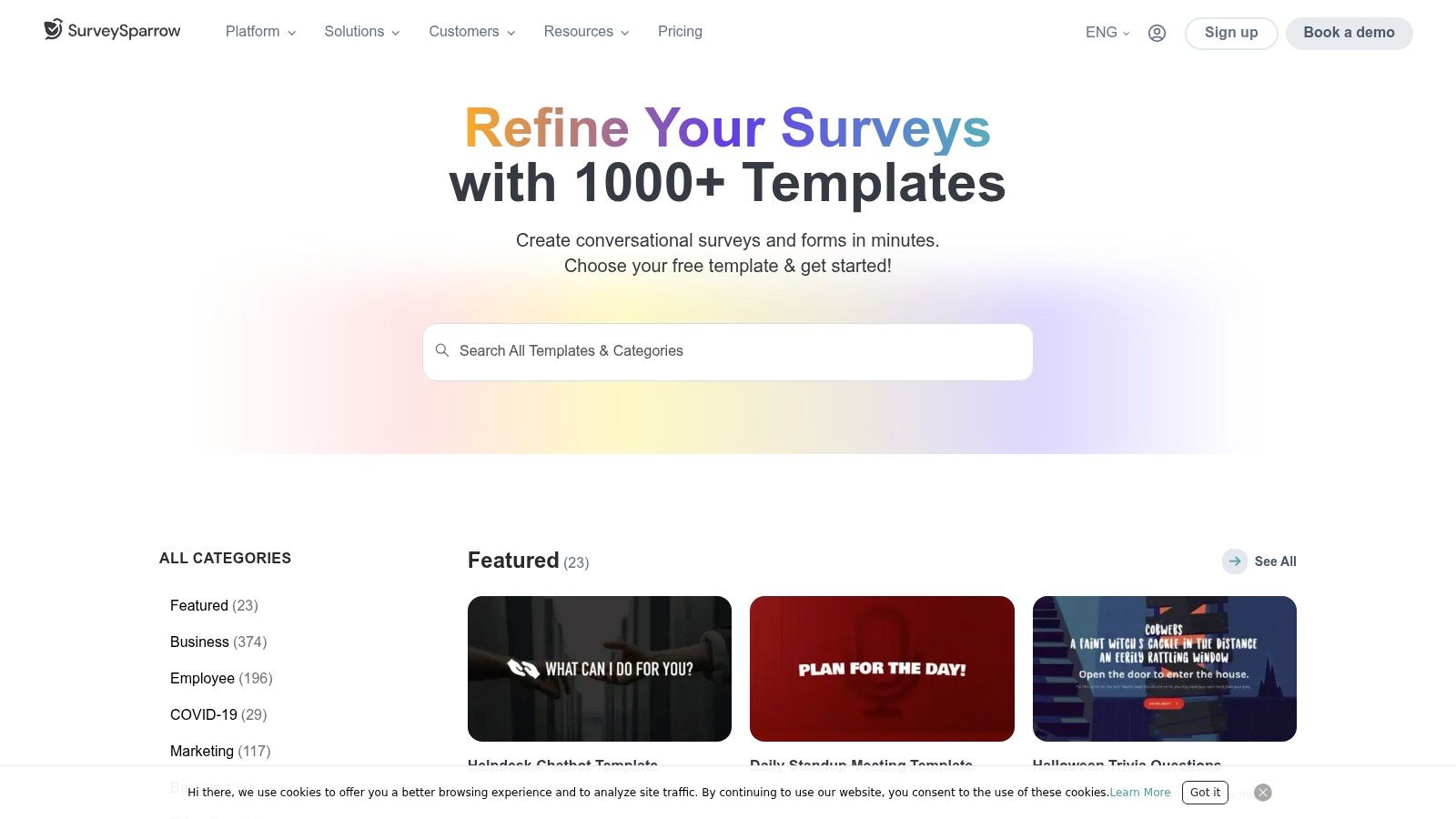
Its template library covers common use cases like NPS, employee pulse surveys, customer satisfaction, and market research. For smaller teams, that matters. You can start from a proven structure instead of writing every question from scratch, then adapt the wording to your audience and cadence.
The practical value is speed with a more approachable respondent experience. If a company wants recurring feedback and cares about brand tone, SurveySparrow is often easier to roll out than a heavier research platform.
Where SurveySparrow shines
SurveySparrow is strongest in programs where participation depends on tone and frequency. That usually includes customer experience teams, HR teams running pulse surveys, and service teams collecting post-interaction feedback.
It works well for:
- Recurring feedback loops: pulse surveys, NPS check-ins, and periodic satisfaction tracking.
- Experience teams: templates map cleanly to common CX and EX workflows.
- SMBs that want faster deployment: the interface is easier to set up than more research-heavy tools.
From an execution standpoint, the template is only the starting point. The primary task is shaping the flow so people finish it. In BuildForm, I usually take the same approach with any borrowed template. Trim weak questions, route respondents with conditional logic, check the mobile experience, and review drop-off analytics after launch. SurveySparrow gives teams a friendlier front-end for that process, even if it is less configurable than some enterprise tools.
Where to be careful
Conversational presentation can hide bad survey design. A chat-style interface still needs tight screening, clear answer choices, and a reason for every question. If the template is bloated, the format will not save it.
Cost is the other trade-off. SurveySparrow can become less attractive as response volume grows or when you need stronger automation and branding controls.
Keep conversational surveys short and specific. Friendly wording helps completion, but extra questions still create fatigue.
Website: SurveySparrow templates
Top 10 Survey Template Tools Comparison
| Product | Core features ✨ | UX & Quality ★ | Value & Price 💰 | Target audience 👥 | Unique selling points |
|---|---|---|---|---|---|
| 🏆 BuildForm – AI powered forms | ✨ Conversational AI Qs, adaptive flows, visual no‑code logic, real‑time analytics, 1‑line embed | ★★★★★, mobile‑first, partial‑submission tracking, 99.9% uptime | 💰 Generous plans; unlimited forms/submissions; premium tiers for custom domains/support | 👥 Growth teams, marketers, product & ops | ✨ AI question gen + conversion‑focus, deep integrations, 24/7 support |
| SurveyMonkey | ✨ 400+ expert templates, advanced logic, panel & collector options | ★★★★☆, mature analytics & distribution tools | 💰 Tiered; research add‑ons can raise cost | 👥 Market researchers, enterprises, CX teams | ✨ Vetted templates & sampling, strong distribution |
| Typeform | ✨ One‑question UX, large template gallery, AI builder, many integrations | ★★★★★, polished mobile UX; high completion rates | 💰 Paid tiers; response limits on lower plans | 👥 Brand‑conscious teams, marketers, product | ✨ Slick, brandable respondent experience |
| Google Forms | ✨ Free templates, unlimited forms, Sheets integration, basic types | ★★★☆☆, simple, very fast to deploy | 💰 Free with Google account | 👥 Individuals, educators, small teams | ✨ Zero cost + seamless Drive/Sheets workflow |
| Microsoft Forms | ✨ Templates via Microsoft Create, Excel/OneDrive integration, M365 sharing | ★★★☆☆, lightweight and easy for MS users | 💰 Included with Microsoft 365 subscriptions | 👥 Microsoft‑centric orgs, educators | ✨ Native M365 ecosystem integration |
| Qualtrics | ✨ Enterprise library, advanced logic, quotas, role‑based governance | ★★★★☆, robust & compliance‑ready; steeper learning curve | 💰 Enterprise pricing (custom; higher) | 👥 Enterprises, academic & regulated industries | ✨ Deep research features, compliance & governance |
| Jotform | ✨ 10,000+ templates, drag‑and‑drop builder, 100+ integrations, HIPAA options | ★★★★☆, fast deployment; UI can feel busy | 💰 Freemium with limits; paid plans remove branding & raise limits | 👥 SMBs, teams needing many templates/integrations | ✨ Massive template library, PDF & e‑signature tools |
| QuestionPro | ✨ 40+ question types, categorized templates, panels & distributions | ★★★☆☆, professional depth; utilitarian UI | 💰 Free sample access; paid tiers for advanced exports | 👥 Professional researchers, mid‑size teams | ✨ Strong question types & panel/community features |
| Alchemer (SurveyGizmo) | ✨ Extensive logic, reusable templates, 40+ question types | ★★★★☆, very flexible for complex branching | 💰 License‑based; template access depends on plan | 👥 Researchers, ops teams needing customization | ✨ High customization & reusable project templates |
| SurveySparrow | ✨ 1,000+ templates, chat‑style & classic surveys, recurring NPS support | ★★★★☆, modern/chatty respondent experience | 💰 Free starter; volume pricing scales with responses | 👥 SMBs, CX teams, recurring NPS programs | ✨ Chat‑style surveys, multi‑channel embeds and recurring programs |
Final Thoughts
A team launches a survey on Friday, sees weak completion on Monday, and assumes the audience did not care. In practice, the problem is often the survey itself. The template was fine. The implementation was not.
That distinction matters. A good template gets you to a first draft fast. A good survey system helps you qualify respondents, reduce drop-off, and collect answers you can use for product, research, or pipeline decisions.
The right process is straightforward. Start with a template that fits the job. Cut any question that does not change a decision, a segment, or a follow-up path. Put screeners early if qualification matters. Then configure the survey so respondents only see what applies to them.
The tools in this list separate themselves on that last step. Google Forms and Microsoft Forms are quick to deploy. SurveyMonkey and QuestionPro fit teams that want familiar research workflows. Typeform and SurveySparrow put more weight on response experience. Qualtrics and Alchemer make sense when governance, complex branching, or advanced research controls matter. Jotform gives teams a wide set of template and workflow options.
BuildForm stands out for teams that want a repeatable implementation plan instead of a static starting point. The practical advantage is not just having templates. It is being able to turn a basic template into a production-ready survey with conditional logic, mobile-friendly pacing, partial submission visibility, and drop-off analysis that shows where the experience breaks.
My default workflow looks like this:
- Choose the closest template: Starting from zero is slower and usually does not improve the survey.
- Trim hard: If a question does not affect routing, reporting, or action, remove it.
- Set up conditional paths: New leads, existing customers, and disqualified respondents should not get the same flow.
- Optimize for phones: Keep screens short, answer choices easy to tap, and progress clear.
- Review abandonment points: If completion drops at one question or step, rewrite that part first.
- Run one live version, then revise: The first launch should expose friction you can fix quickly.
That is the takeaway from this roundup. Use the simplest platform that still gives you enough control. Internal admin surveys can stay simple. Surveys used for lead qualification, customer research, onboarding, or recurring feedback need stronger routing and better visibility into respondent behavior.
Survey questionnaire templates still save a lot of time. The teams that get better results treat the template as a starting asset, then refine the experience with logic, mobile design, and performance data until completion and answer quality improve.
If you want that kind of workflow, BuildForm is worth evaluating. It combines template-based setup with AI-assisted question generation, no-code branching, mobile-first conversational flows, partial submission tracking, and drop-off analytics so you can improve weak spots based on actual respondent behavior.