
Stop Losing Leads to Clunky, Outdated Forms
That old “contact us” form is often where intent goes to die. Teams spend time driving traffic, tuning landing pages, and polishing offers, then send visitors into a rigid form experience that feels like paperwork. AI form builders fix a different part of the funnel than commonly anticipated. They don't just help you build faster. They help you ask better questions, sequence them better, and connect responses to the rest of your workflow.
The category has matured quickly. Free AI form tools now include features that used to sit behind paid plans or require multiple tools stitched together. For example, Jotform's AI form builder advertises 250+ integrations and 500+ widgets, while other tools in this space support prompt-based generation, conditional logic, answer piping, and imports from existing forms or documents. That's a real shift from static forms to AI-assisted, no-code data capture that can feed CRMs, payment systems, and automation tools.
If you're searching for the best ai form generator free option, don't start with feature grids. Start with the job. Do you need more conversions, a more generous free tier, better internal workflows, or faster survey setup? That's how I'd choose.
Table of Contents
- 1. BuildForm
- 2. Typeform
- 3. Jotform
- 4. Tally
- 5. Fillout
- 6. forms.app
- 7. Youform
- 8. Zoho Forms
- 9. Feathery
- 10. SurveyMonkey
- Top 10 Free AI Form Generators Comparison
- Your Next Step Launch a Smarter Form Today
1. BuildForm
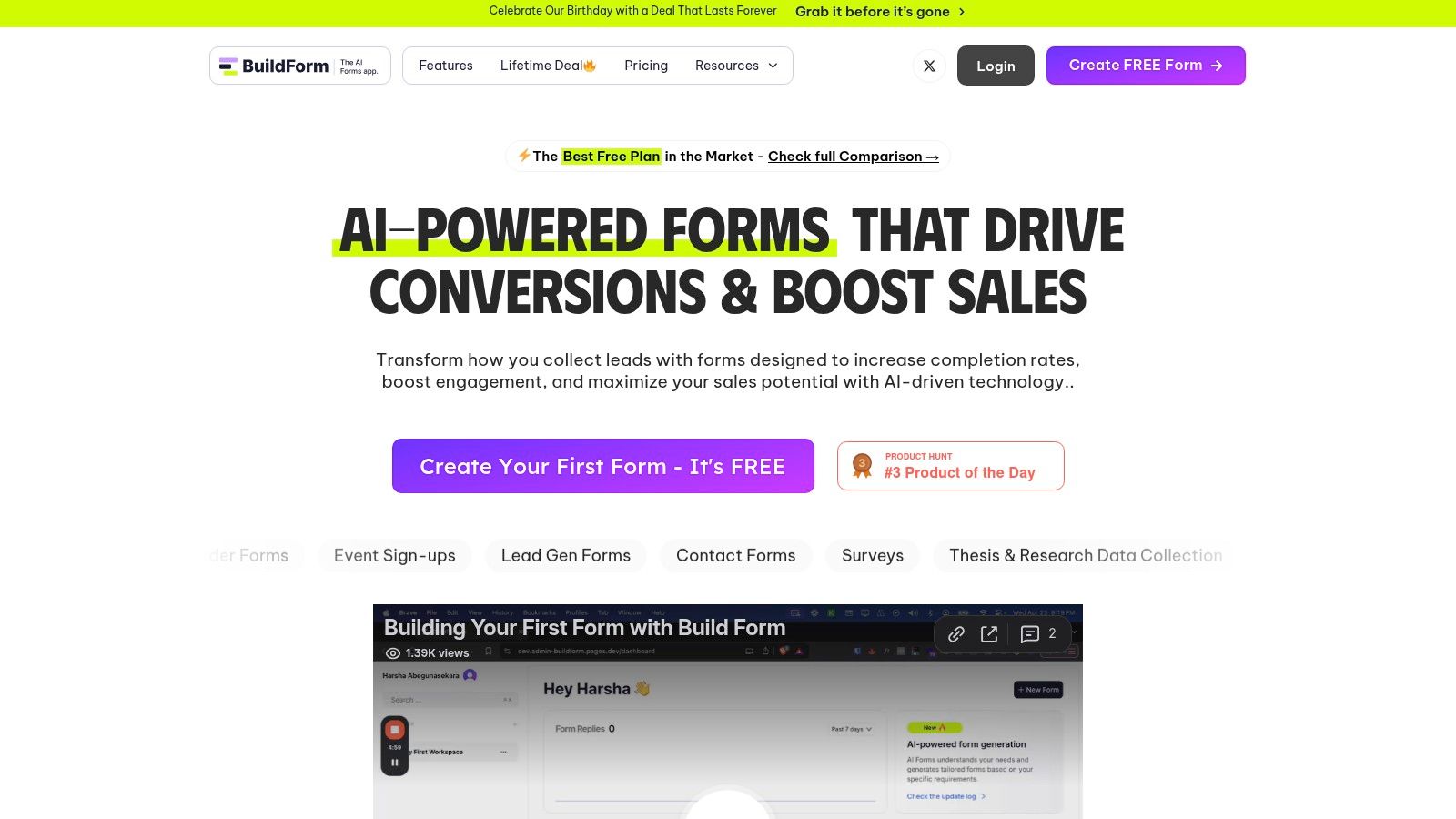
BuildForm is the tool I'd put in front of a growth team that cares less about “making a form” and more about turning submissions into pipeline. Its product direction is clear. Conversational flows, adaptive questions, no-code logic, partial submission tracking, and direct handoff into downstream tools all point at one job: reduce friction and keep intent alive.
That focus matters because AI usage is no longer niche behavior. A nationally representative U.S. survey found that as of late 2024, nearly 40% of adults ages 18 to 64 had used generative AI, and 23% had used it at work, according to NBER working paper data on generative AI adoption. People are already comfortable prompting systems. BuildForm leans into that habit on both sides of the experience: teams generate forms quickly, and respondents move through a more guided flow.
Why BuildForm stands out
BuildForm feels built by people who've watched too many leads stall in static forms. You can generate a draft fast, adjust the logic visually, embed it with minimal effort, and keep the experience branded instead of looking like a bolted-on survey tool.
The practical upside is operational, not cosmetic.
- Conversion-oriented flow: The conversational format and adaptive logic are designed to cut unnecessary questions and keep mobile users moving.
- Useful analytics: Partial submissions and real-time performance views make it easier to spot where people hesitate or quit.
- Workflow readiness: Native handoff to Slack, Notion, CRMs, email tools, and payment workflows means you don't end up rebuilding your process around the form.
- Deployment simplicity: Custom branding, custom domains, thank-you pages, and lightweight embeds make launch easier for lean teams.
Practical rule: If your form is tied to lead gen, demo requests, applications, or qualification, pick the tool that shows you where submissions break, not just the tool that generates fields fastest.
BuildForm also emphasizes reliability with multi-cloud architecture, encrypted storage, and a 99.9% uptime guarantee on its public site. For teams running paid acquisition or active launches, that's more than a technical detail. If the form fails, the campaign fails.
Launch your first BuildForm in under 5 minutes
The fastest path is simple.
- Start with the job: Open BuildForm and describe the form in plain English. Good prompt: “Create a demo request form for a B2B SaaS company. Qualify by team size, use case, timeline, and CRM.”
- Trim before styling: Review the generated questions and cut anything that doesn't affect routing, qualification, or follow-up.
- Add logic next: Use the visual builder to show follow-up questions only when they matter. In practice, most completion gains come from this.
- Connect the destination: Send submissions to the tool your team already works from, whether that's Slack, Notion, email, or your CRM.
- Embed and test on mobile: Publish, drop in the embed code, and complete the form on your phone before launch.
If you're comparing it against more traditional conversational builders, this guide on a free alternative to Typeform is worth skimming because it highlights where conversion-focused form design starts to matter.
The trade-off is straightforward. BuildForm is strongest when the form sits inside a revenue or qualification flow. If you just need a one-off internal questionnaire, it may be more tool than you need.
2. Typeform
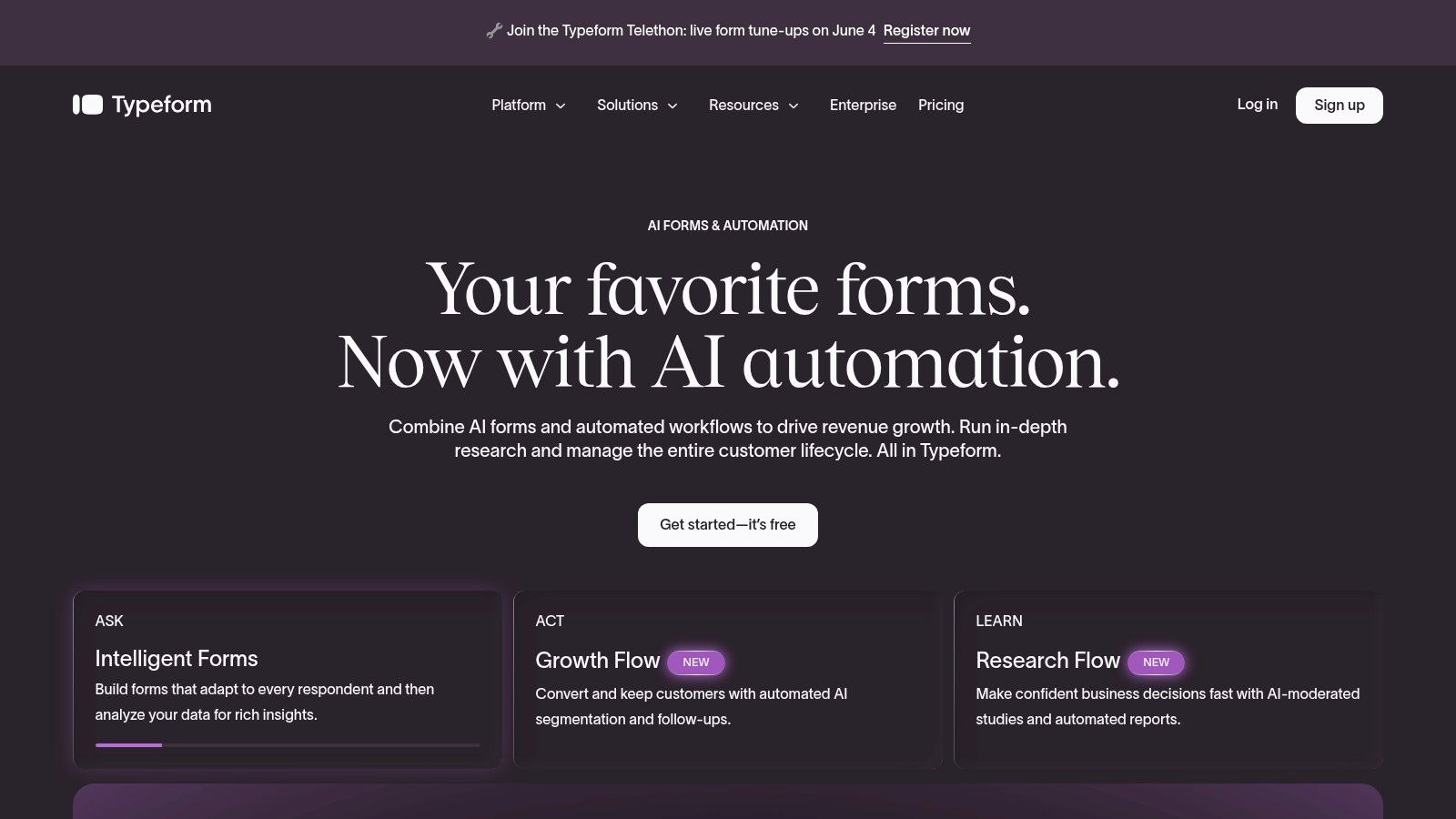
Typeform is still the easiest recommendation when respondent experience is the top priority. Its one-question-at-a-time format remains one of the best ways to make a form feel lighter than it is, and its AI creation tools help you get to a polished draft quickly.
Best for polished conversion flows
If your form sits on a campaign landing page, quiz funnel, or product recommendation path, Typeform does a good job of preserving brand feel. The AI-assisted setup gives you a starting point from a description or uploaded content, then the design system and templates carry the rest.
What works well is the front-end experience. What usually doesn't work as well for free users is scale. Teams often hit limits sooner than they expect, especially when a campaign starts working.
- Best fit: Lead generation, quiz funnels, customer-facing surveys, and branded screening flows.
- Strong point: The respondent experience feels intentional, not like a utility form.
- Watch for: Branding controls, higher usage, and more advanced features usually push you toward paid plans.
If you like the conversational style but want to compare lighter-weight options, this Typeform alternative guide is a practical place to start.
Typeform is the right pick when the form itself is part of the brand experience. It's less compelling when your main concern is getting a lot of submissions through a free plan without friction.
3. Jotform
Jotform is the broadest platform on this list. If your form process eventually grows into payments, approvals, e-signatures, internal workflows, or app-like use cases, Jotform gives you more room than most tools.
Best for feature breadth
This is the classic choice for teams that don't want to switch later. Jotform's AI builder can generate forms from prompts, and the surrounding platform is mature enough to support a lot more than basic data capture.
That maturity shows up in the product footprint. Jotform's AI form builder advertises 250+ integrations and 500+ widgets. For buyers, that's the signal. Free AI form generation is no longer the product. The core product is everything that happens after the form goes live.
Jotform makes sense when your current form is simple but your future workflow probably won't be.
A few trade-offs matter in practice:
- Big upside: Very broad ecosystem, payment support, widgets, approvals, and enterprise pathways.
- Big downside: The free tier can feel narrow once you need steady volume or deeper customization.
- Best use case: Operations-heavy teams that want one vendor for forms plus adjacent workflow needs.
If you need a broader look at visual builders that don't require code, this no-code form builder overview is useful context.
Jotform is strong when you want optionality. It's weaker if you only care about a clean free experience and don't want to think about limits until later.
4. Tally
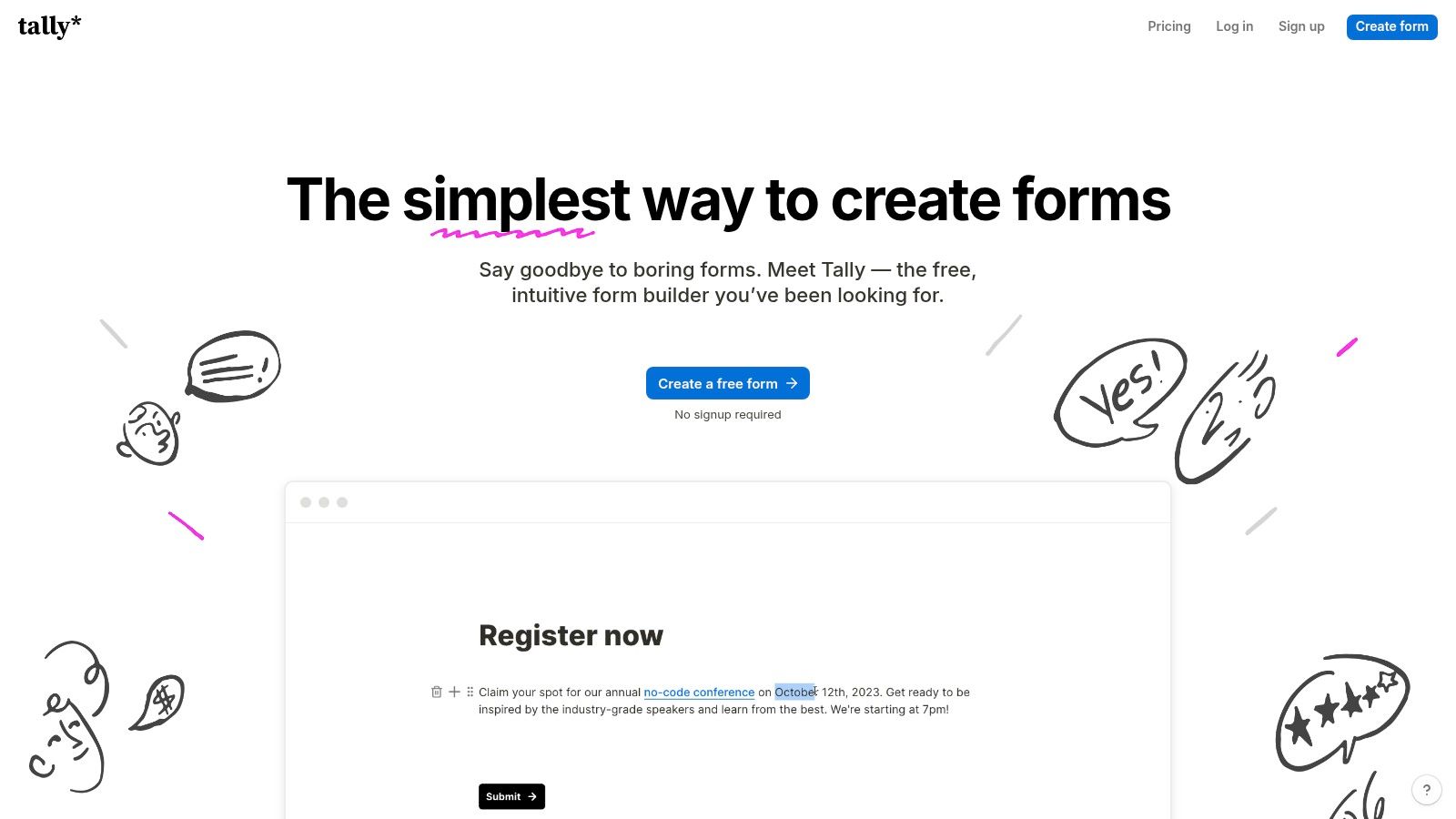
Tally feels more like writing a doc than assembling a form. That's the appeal. It removes a lot of the clunky builder overhead and lets you move fast.
Best for a generous free tier
For startups, solo operators, and lean marketing teams, Tally is one of the easiest free options to live with. The editor is lightweight, embeds are solid, and the logic features cover more real-world use cases than you'd expect from a tool that looks this simple.
Its AI angle is a little different from the chat-builder model. Tally supports AI-assisted creation and editing through MCP workflows with external assistants like ChatGPT, Claude, or Cursor. That setup is useful if your team already works in those environments. It's less useful if you want everything contained in one native interface.
- Best fit: Fast surveys, waitlists, lead forms, application forms, and internal requests.
- Works well when: You want flexibility without enterprise overhead.
- Less ideal when: Governance, permissions, or deep admin controls are a hard requirement.
For teams building interactive paths rather than plain static pages, these step-by-step forms examples show where this style of flow can outperform a standard layout.
Tally is a great ai form generator free choice when your top priority is speed and a free plan you won't outgrow immediately. It's not the strongest fit for larger organizations that need heavier compliance or administration controls.
5. Fillout
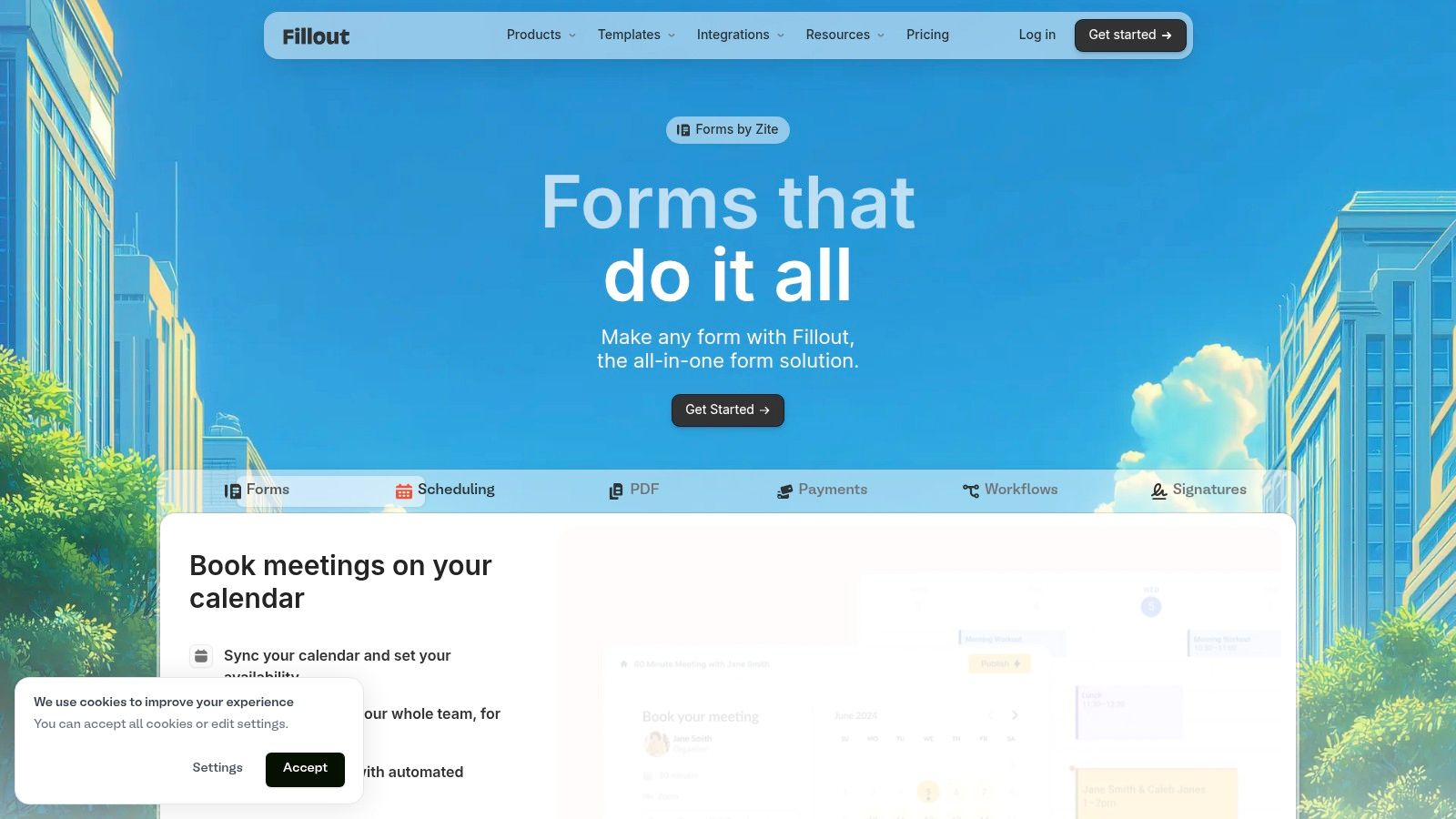
Fillout is easy to recommend to teams that already run parts of their workflow in Notion, Airtable, or Google Sheets. Its forms feel modern, the editor is approachable, and the AI generation options are practical instead of flashy.
Best for spreadsheet-connected workflows
What I like about Fillout is that it behaves like a workflow tool, not just a front-end form builder. You can generate a form from a description, pasted questions, or an existing Google Form without sign-up, according to Fillout's AI form builder page. That cuts down setup friction for testing and quick internal drafts.
There's also an important caveat in the free positioning. Fillout says its AI builder is free to use, but premium plans apply for advanced features or for collecting over 1,000 submissions per month on that page. That's the kind of detail buyers should care about more than the phrase “free AI.”
The real question isn't whether a tool can generate a form for free. It's whether you can still use that form comfortably after people start submitting it.
A few practical takeaways:
- Best fit: Intake forms tied to spreadsheets, ops workflows, scheduling, and lightweight payments.
- Strong point: Very good connection between form capture and structured data destinations.
- Trade-off: “Free” may cover generation more than long-term business use at scale.
Fillout is one of the better-balanced options on this list. It's especially good when your team thinks in tables and databases.
6. forms.app
forms.app is a good example of a tool that doesn't try to overcomplicate the pitch. It helps you spin up forms, surveys, and quizzes quickly, and it covers a surprising amount of practical ground for small teams.
Best for simple commerce and quick setup
If you need to launch a registration form, a simple checkout flow, or a branded survey without spending your afternoon in settings panels, forms.app is easy to work with. The templates are helpful, the AI features speed up setup, and the support for Stripe order or checkout scenarios gives it broader utility than a basic survey tool.
This is a sensible pick for teams that value momentum over perfection. You can get from idea to live form quickly, then decide later whether the workflow justifies a more advanced platform.
- Best fit: Simple sales forms, event registration, surveys, quizzes, and one-step commerce use cases.
- Strong point: Friendly onboarding and low setup friction.
- Watch for: Response limits and branding controls tend to matter once the form becomes customer-facing.
forms.app isn't trying to be the most advanced system here. It's trying to be one of the fastest useful ones. For many teams, that's the better bargain.
7. Youform
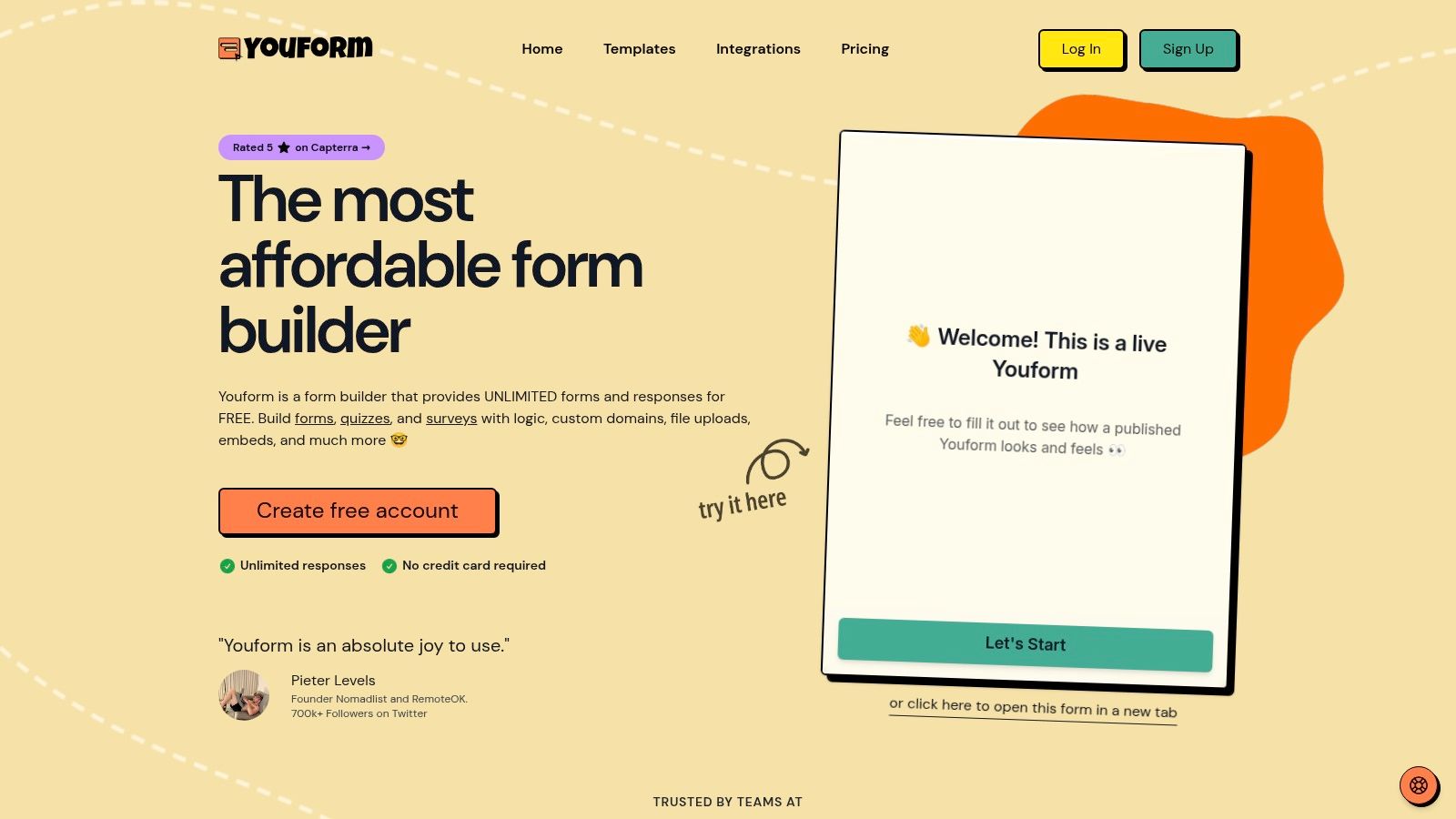
Youform is the pick for people who are tired of tiny free plans. Its value is simple to understand. You can create forms with AI, use logic and analytics, and avoid the feeling that the product is counting down to your paywall moment.
Best for early-stage teams that hate response caps
The reason teams look at Youform isn't usually sophistication. It's relief. Founders, consultants, and smaller SaaS teams often just want a form tool they can deploy without gaming submission limits every week.
That said, you should treat newer tools with healthy caution. Ecosystems are smaller, there are fewer tutorials, and integrations can evolve quickly. For a lightweight lead capture program or a startup waitlist, that's usually acceptable. For a core operational workflow, verify the details before committing.
- Best fit: Startups, creators, and lean teams that need clean forms without free-tier anxiety.
- Strong point: Generous free usage compared with many established competitors.
- Trade-off: Less ecosystem depth and fewer long-tail resources.
Youform is a strong ai form generator free option when affordability and simplicity matter more than enterprise maturity.
8. Zoho Forms
Zoho Forms makes the most sense inside the Zoho ecosystem. If your team already uses Zoho CRM, Desk, or Campaigns, the value is less about the form itself and more about what happens when the form routes data into the rest of your stack.
Best for teams already in Zoho
Zoho's AI support is useful because it isn't limited to field drafting. The platform also leans into content assistance, conversion from files, and broader workflow handling. That's part of a wider category shift. Free AI form builders are increasingly becoming knowledge-to-collection tools rather than simple design tools. Tools in this segment can now generate forms from prompts and convert source material such as PDFs, documents, web pages, images, and other assets into structured forms or quizzes, as described in Monica's AI form tool overview.
For teams handling intake across support, sales, and operations, that matters. A document or internal process note can become a usable form much faster than before.
- Best fit: Existing Zoho users, admin-led teams, and companies that care about role-based access.
- Strong point: Strong suite integration and sensible governance options.
- Trade-off: Outside the Zoho stack, it's less compelling than some newer standalone builders.
Zoho Forms is rarely the flashiest option. It's often the practical one if your back office already runs on Zoho.
9. Feathery
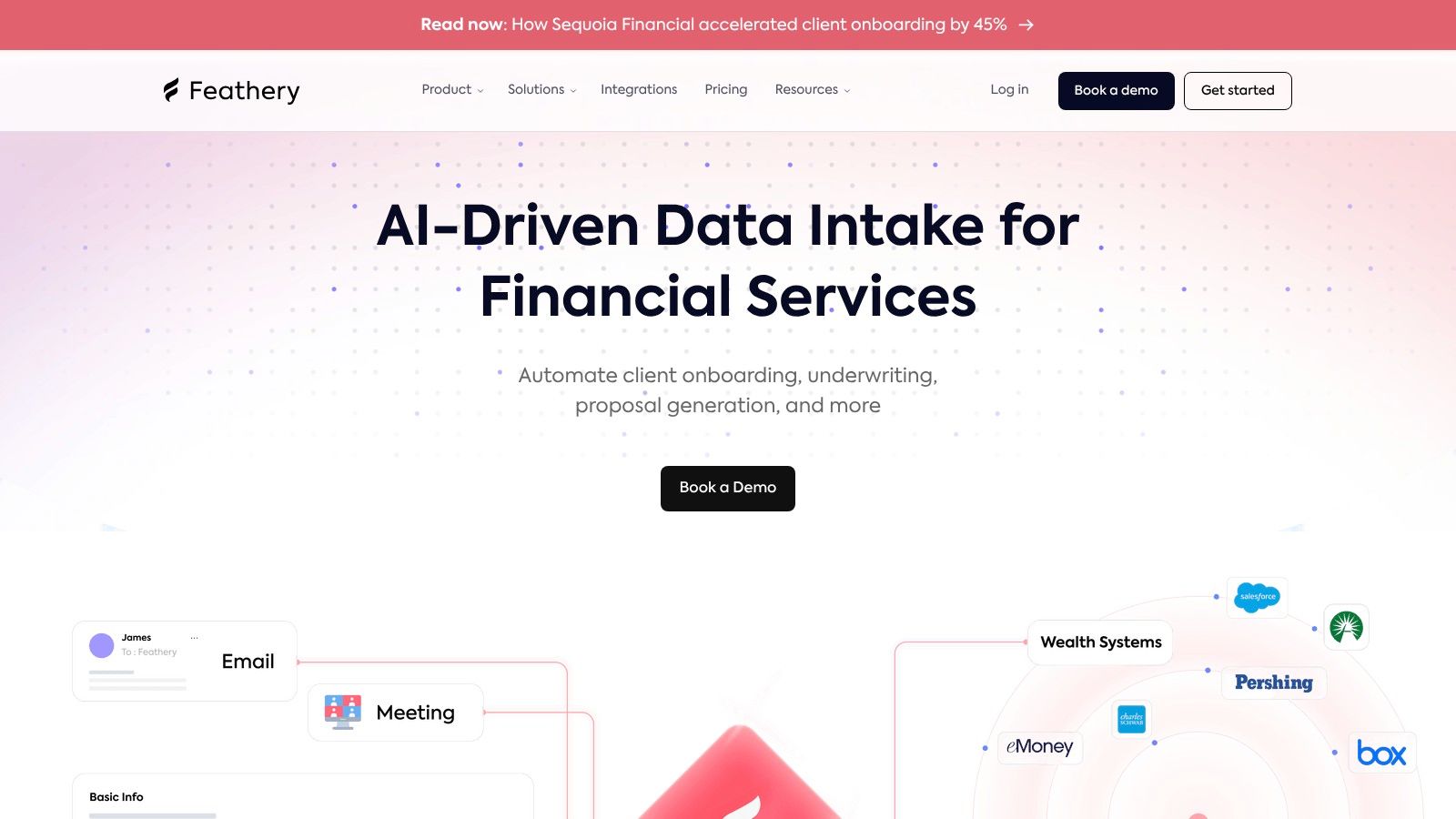
Feathery sits in a different lane from simple prompt-to-form tools. It's better thought of as a form and flow platform for teams that highly value UX control, routing logic, and custom behavior.
Best for complex intake flows
Product teams, fintech workflows, onboarding funnels, and multi-step applications are where Feathery earns its place. The AI assistant gives you a draft, but the value is in what happens after that. You get much more control over steps, layouts, conditional routing, and styling than in lightweight builders.
This is not the fastest tool for a casual user. It is one of the better tools for a team that knows its intake flow is part of the product.
If your “form” is really an application flow, underwriting flow, onboarding sequence, or document-heavy intake, choose the builder that lets you shape the journey. Not just the questions.
A realistic view of Feathery:
- Best fit: Product-led companies, embedded app flows, advanced onboarding, and applications.
- Strong point: High control over logic and front-end experience.
- Trade-off: Smaller template ecosystem and more paid gating around advanced use.
Feathery isn't the easiest recommendation for everyone. It's one of the best for teams with complex intake requirements.
10. SurveyMonkey
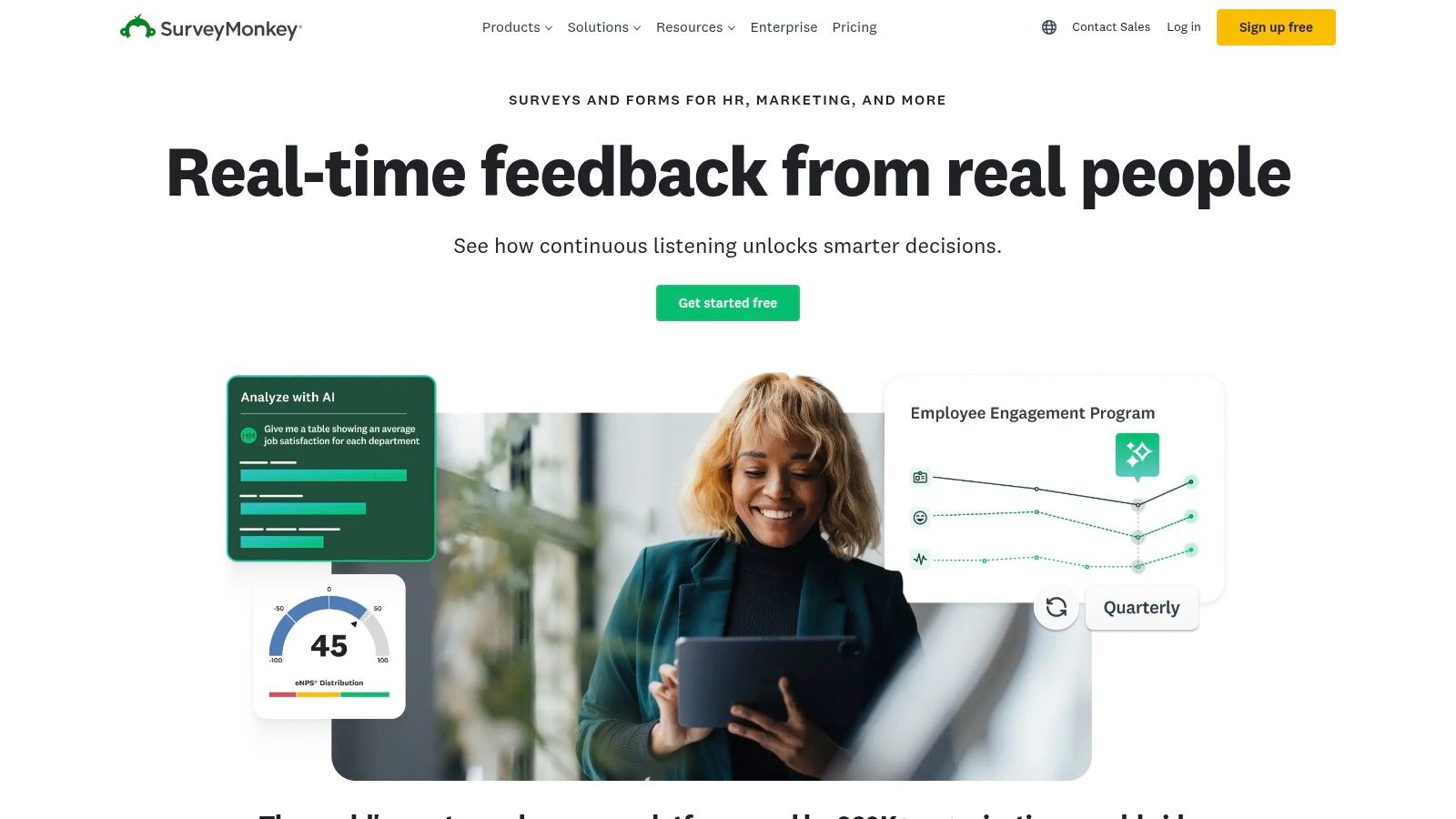
SurveyMonkey remains the recognizable choice for research, feedback collection, and internal pulse surveys. Its AI features make survey drafting easier, but the bigger reason to use it is still the reporting and familiarity.
Best for quick research and feedback
If you're collecting customer feedback, employee sentiment, or market research inputs, SurveyMonkey is easier to trust than many newer tools because the survey workflow is already well understood. AI helps with drafting and answer suggestions, but its primary advantage is that many teams already understand how to deploy and read the output.
This isn't the best pick for high-converting lead capture. It is a strong pick for structured feedback work where response analysis matters more than a branded front-end experience.
- Best fit: Surveys, feedback loops, internal questionnaires, and lightweight research.
- Strong point: Mature reporting and familiar survey workflow.
- Trade-off: Free plans are usually more restrictive for branding and advanced capabilities.
Top 10 Free AI Form Generators Comparison
| Product | Core features | UX & Quality | Value & Pricing | Target audience | Unique selling points |
|---|---|---|---|---|---|
| BuildForm 🏆 | AI Qs, conversational/adaptive forms, no-code logic, real-time analytics, one-line embed | ★★★★★ 4.98 • 2x completion claim • 99.9% uptime | 💰 Generous free plan; affordable premium & lifetime deals; unlimited forms/submissions (paid) | 👥 SaaS, ecommerce, marketers, RevOps, researchers, HR | ✨ Conversational lead-nurturing, partial-submission tracking, multi-cloud reliability |
| Typeform | AI generator, one-question UX, templates, theming | ★★★★ Polished respondent experience | 💰 Free w/ low response cap; paid for branding & higher limits | 👥 Marketers, CX teams, quizzes & lead gen | ✨ Smooth UX, AI tips, "Extended Thinking" AI |
| Jotform | AI drafts full forms, widgets, payments, approvals | ★★★★ Feature-rich, mature platform | 💰 Free limits; scaling can be pricier | 👥 Teams needing payments, approvals, enterprise use | ✨ Huge template/integration ecosystem; ChatGPT app |
| Tally | Document-like editor, MCP for external AI assistants, logic & embeds | ★★★ Fast builds; easy embedding | 💰 Extremely generous free plan (unlimited forms/submissions with caveats) | 👥 Startups, rapid prototyping, simple embeds | ✨ MCP integration for external AIs; very budget-friendly |
| Fillout | AI form/survey generation, Notion/Airtable/Sheets sync, payments | ★★★ Friendly editor & modern embeds | 💰 Generous free allowances (verify caps) | 👥 Startups, teams needing modern data connections | ✨ Strong Notion/Airtable/Sheets connectivity |
| forms.app | AI form/survey/quiz generators, templates, Stripe support | ★★★ Easy to start with templates | 💰 Free-forever basic plan; response limits apply | 👥 Small businesses, simple commerce & surveys | ✨ Stripe order/checkout forms; helpful templates |
| Youform | AI generator drafts full forms, logic, analytics on free plan | ★★★ Straightforward onboarding | 💰 Free tier with unlimited forms & responses | 👥 Early-stage teams, budget-conscious users | ✨ Unlimited free responses; simple pricing |
| Zoho Forms | Zia AI generation, PDF/image-to-form, translations, role access | ★★★ Enterprise-friendly governance | 💰 AI on free plan; advanced governance & scale require paid tiers | 👥 Enterprises and Zoho-suite users | ✨ Tight Zoho suite integration & role-based access |
| Feathery | AI assistant, advanced visual designer, multi-step flows, dev controls | ★★★ Strong UX control for complex intakes | 💰 Free plan available; higher limits gated | 👥 Product teams, developers building app intakes | ✨ Developer-friendly visual layout & conditional routing |
| SurveyMonkey | Prompt-to-survey AI, AI answer suggestion, open-text analysis (Genius) | ★★★★ Mature analytics & reporting | 💰 Free AI generation; advanced analysis behind paid tiers | 👥 Researchers, market research, enterprises | ✨ Robust analytics and AI open-text analysis |
Your Next Step Launch a Smarter Form Today
AI adoption is no longer a side experiment for business teams. Federal Reserve analysis of AI adoption in the U.S. economy notes that a meaningful share of firms had already adopted AI by late 2025, and a much larger share of workers were inside companies using it. Form builders sit inside that shift. They now do more than draft a contact form. They help teams turn prompts, PDFs, docs, and rough intake ideas into live workflows that connect to the rest of the stack.
The useful question is not which tool has the longest feature sheet. The useful question is what job the form needs to do once a visitor clicks submit.
For conversion-focused work, BuildForm is a strong choice. It fits teams that care about reducing drop-off on lead capture, demo requests, qualification, and other flows where handoff speed affects pipeline. For polished one-question-at-a-time experiences, Typeform still stands out. For broad coverage across templates, automations, and business use cases, Jotform remains a practical pick. Tally and Youform make sense when the main requirement is a free plan you can live with for a while. Fillout fits teams already running operations in Airtable, Notion, or Google Sheets. SurveyMonkey still earns its place when research quality and analysis matter more than presentation.
That job-to-be-done lens prevents a common buying mistake. Teams often choose based on the demo, then discover the underlying constraint later. It might be response caps, branding limits, weak routing, limited exports, or an integration gap that creates manual work for sales ops or marketing ops. Free matters, but free is only useful if the form still works for the way your team follows up.
If speed is the priority, start with one live use case this week. A demo request form, lead qualifier, candidate screener, or customer intake is enough.
If BuildForm matches your use case, the first launch is straightforward. Open the builder, describe the form you need in plain language, review the generated questions, add branching or qualification logic, connect your destination for leads or responses, then publish and test the full path yourself. That usually takes a few minutes if you already know the outcome you want. The mistake to avoid is overbuilding version one. Start with the minimum questions required to route the next step correctly, then refine after you see completion rate and lead quality.
A smarter form does two jobs well. It gets more people to finish, and it gives your team cleaner data to act on right away.
If you want a form builder built for conversions and fast deployment, try BuildForm. It fits SaaS, ecommerce, RevOps, HR, and research teams that need conversational forms, no-code logic, analytics, and a free starting point.